


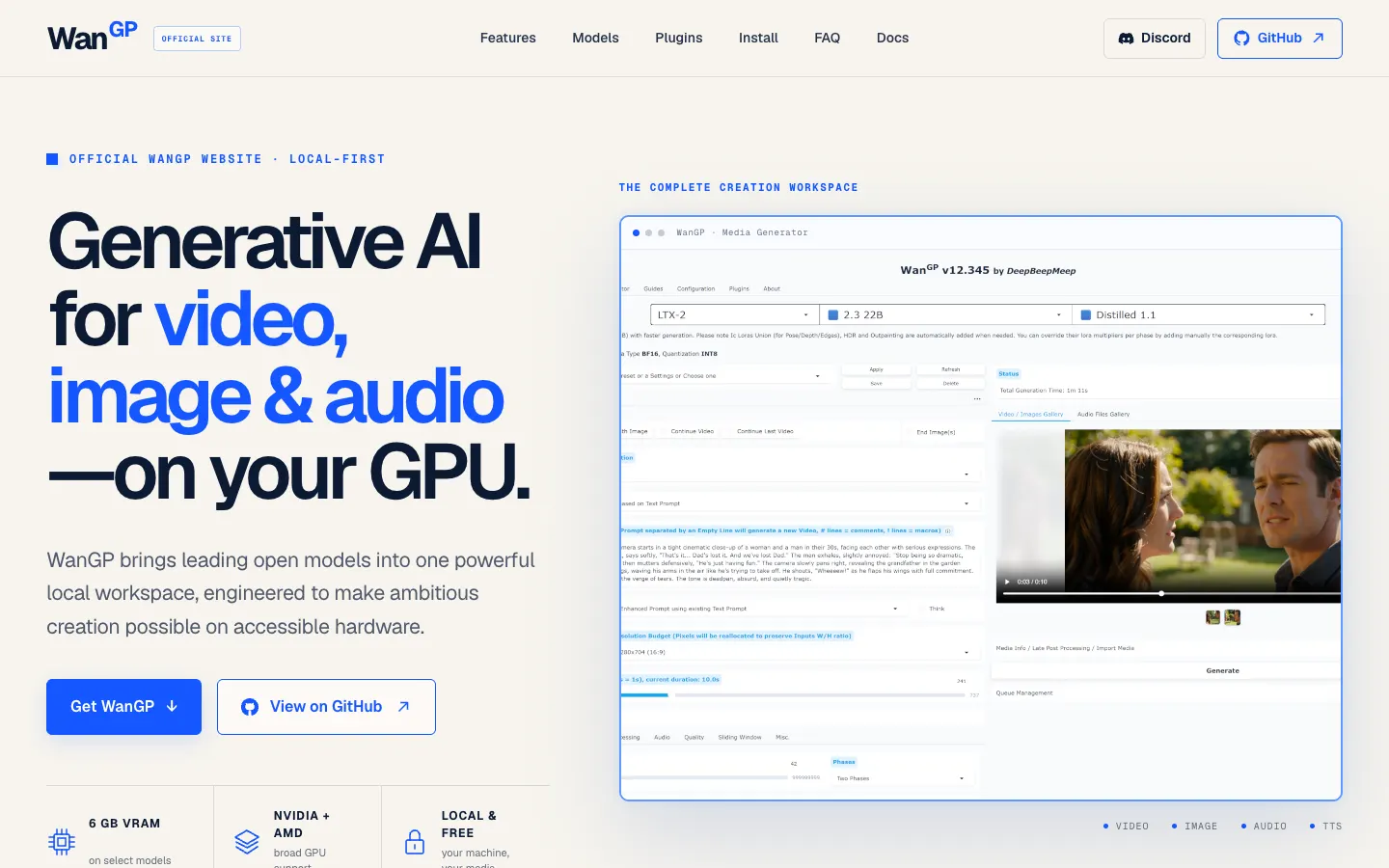
Wan2GP, now branded WanGP, is an app that brings open video, image and audio models into one browser interface running on your own computer. It is not free access to Runway or Higgsfield: the models and results differ. A shop owner could try animating a product photo for a reel by choosing an image-to-video model and describing the motion. Results are not guaranteed.
Start here: no coding required
First check your Windows PC's graphics card. Supported NVIDIA GTX 10-series and RTX 20-series or newer are the most documented route; some AMD GPUs are supported, but check the AMD list. 6 GB of video memory works for select models only. This app does not generate on a phone. There is no equivalent free official browser service promised here.
- Open the official site. Choose Wan2GP Desktop, a community Windows launcher, or Pinokio, a graphical app manager. For Pinokio, the official project recommends 6Morpheus6's community
wan2gp(NVIDIA) andwan2gp-amd(AMD) scripts. These are third-party installers: verify the author and source before running them. - Follow your chosen installer's screens and open WanGP. Its browser interface runs on your PC. The first use of a model may download several gigabytes.
- Choose an image-to-video workflow, upload a photo you own or have permission to use, then describe the motion. Example, not tested by us: “Slow push-in towards the product, stable background, do not change the label.” No generated output is depicted here.
Going further: official scripts and options
Steps from official documentation, not tested by us on a compatible GPU. On Windows, install Git, open Command Prompt in your preferred folder and copy each command in turn:
git clone https://github.com/deepbeepmeep/Wan2GP.gitcd Wan2GPscripts\install.batChoose the automatic hardware-specific setup, then launch from that folder:
scripts\run.batFor Linux the repository documents ./scripts/install.sh and ./scripts/run.sh. AMD on Windows needs its own installation guide and supported-GPU list. For manual NVIDIA setup, Python, PyTorch and CUDA versions differ between GTX 10 and RTX 20+ cards. Model choice, memory profile, quantization, resolution and length all change hardware demands. Start small. See the model catalogue and official repository.
Audio generation, adding soundtracks and video enhancement are separate workflows with different requirements, not one-click guarantees. On 8 October 2026, Runway Standard listed US$15 monthly or US$12/month billed annually, with 625 monthly credits equivalent to 52 seconds of Gen-4.5 at that setting. Higgsfield Starter (affiliate link) listed US$15/month billed annually with 200 credits. Together the annual-billing rates shown total US$27/month, not US$30. A BRL equivalent changes with exchange rates and taxes. WanGP imposes no local generation-credit meter, but hardware, power and downloads cost money. These are not identical models or quality.
Quick FAQ and honest limits
Do I need to code? Not for the graphical installer or interface. Drivers, large downloads and troubleshooting may still require technical help. Commands above are optional.
Is it free? As of 8 October 2026, the official app had no fee, subscription or limit on local generations. The WanGP Community License 2.0 permits personal and internal business use and sale of outputs subject to terms; a direct sale of an output requires reasonable WanGP credit. Model licenses also apply. Paid hosting or reselling the software needs separate permission.
Will it run on my computer or phone? Check your GPU against official documentation. AMD requires its own setup. The official site lists a macOS installer script, but this alone does not verify Apple Silicon video generation; do not promise it works on a MacBook. Phones do not run local generation.
Is it safe? Start from the official GitHub or wangp.ai. Check community scripts before executing them. Similar-looking online sites may be independent. Get consent before using customer photos.
What can go wrong? Large models may exhaust memory; first downloads are substantial; generation may be slow, fail, or look wrong. We did not test a GPU installation or generate video. See sources and manual tests pending.
Comments
Have a question or something to add? Join the conversation.
No account needed. Select Sign in and choose a name to comment.
Loading the conversation…
Comment privacyCommenting guidelines