

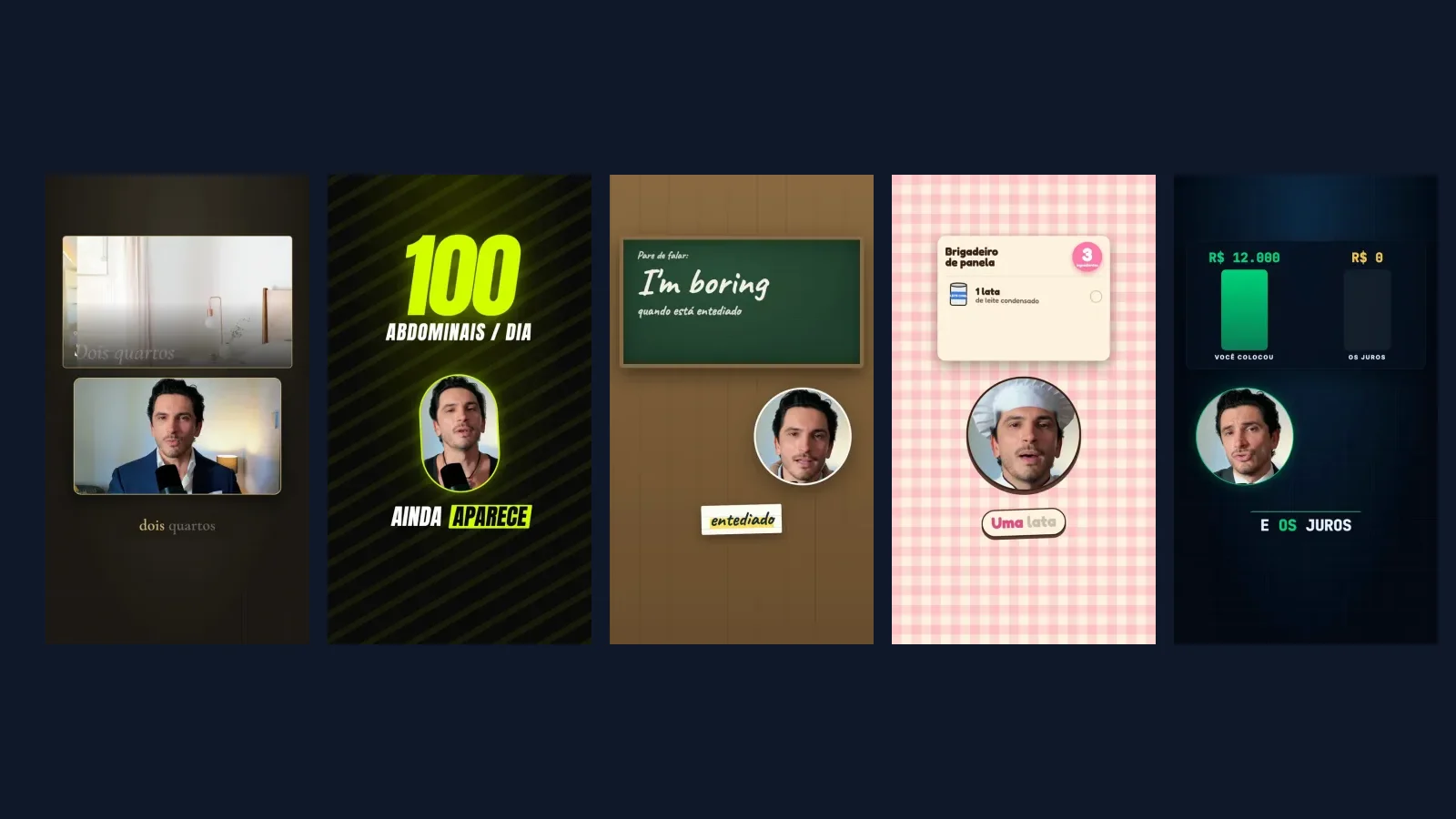

Commented CONTEÚDO? Here's the difference between my two edits of the same take, plus the five niche styles, now one free skill on GitHub: bolo de camadas ("layer cake"). I recorded the speaking take. Claude Code, an AI coding agent, wrote the Remotion layouts, captions, graphics and sound-effect cues; I directed and reviewed them. The outfit swap on the finger snap was generated separately using Seedance 2.5 video-edit on Higgsfield's paid API. Neither editing engine provides that for free.
Two ways to edit video with code
Remotion makes videos from React components, calculating the image frame by frame. HyperFrames by HeyGen uses HTML, CSS and a GSAP timeline, and describes itself as “built for agents.” An agent can write either kind of project from your brief. You still supply footage and word timings, check a preview and approve the final MP4. On 6 October 2026, Remotion's GitHub repository had 62,096 stars and npm 4.0.533 (my reel used 4.0.523); HyperFrames had 57,507 stars and npm 0.8.137. These dated counts aren't a quality ranking.
What happened with this reel
Same take, edit, voice and niche media in both versions. My 6 October 2026 build notes:
| Remotion | HyperFrames | |
|---|---|---|
| Setup | Pinned npm project; Root.tsx registers compositions. | npx hyperframes init; Node 22+, system FFmpeg and Chromium via Puppeteer. Init writes its own CLAUDE.md and AGENTS.md. |
| Word timing | Convert milliseconds to frames, then calculate per frame. | Put seconds directly in data-start and GSAP timeline positions. |
| Following my face | Read face-tracking data on every frame, a natural fit. | Static camera per layout, easing between layouts; frame-by-frame tracking isn't the default. |
| Reuse | React components and <Sequence>. | Separate HTML compositions via data-composition-src. |
| Checks | TypeScript and Studio; I wrote my own overlap QC. | lint and check; check caught a real overlap between niche graphics. |
| Snapshots | remotion still or Studio. | snapshot --at t1,t2 and contact sheet; 31 frames took about 25 s in my test. |
| Render of the full 115.7 s reel | Not timed. | 3 min 52 s on my Mac, CRF 17. This isn't a fair speed benchmark. |
| License/data | Custom license: free for individuals, nonprofits and for-profit companies with up to 3 employees; larger for-profit companies need a company license. | Apache-2.0; anonymous telemetry by default; DO_NOT_TRACK=1 disables it. |
My opinion: pick Remotion if you already know React and want the face to follow its track every frame. Pick HyperFrames for fast HTML layout iterations and automated checks. Its checker caught something my Remotion workflow needed separate QC to catch. Both need human review.
Try Remotion: a ten-second vertical test
- Install Node.js. In a clean folder run the official creator and select the blank TypeScript template when asked; prompts can change.
npx create-video@latest- Enter the folder it created. In
src/Composition.tsxset the example composition towidth={1080},height={1920},fps={30},durationInFrames={300}(10 seconds). In the tested template its ID wasMyComp; confirm yours before rendering.
cd YOUR_PROJECT_FOLDER && npm installnpx remotion compositions src/index.tsnpx remotion render src/index.ts MyComp test-10s.mp4 --codec h264 --concurrency 2Try HyperFrames: a ten-second vertical test
- Install Node.js 22+ and FFmpeg. Run its official initializer in a clean folder and read the agent instructions it creates.
npx hyperframes@0.8.137 init my-video --resolution portraitcd my-video- In the generated
index.html, set the root and test scenedata-duration="10"; confirmdata-width="1080"anddata-height="1920". Check then render. Verify 30 fps in the output with ffprobe.checksamples layout, overlap and contrast as well as lint.
npm run checkDO_NOT_TRACK=1 npm run render -- --output test-10s.mp4Both tests actually rendered and were checked with ffprobe. They are small test projects, not a promise that your full footage will edit itself. On Windows, use set DO_NOT_TRACK=1 in cmd rather than the Unix environment prefix.
Ask Claude Code to edit your take (example prompts, not tested in the app)
Install the bolo de camadas skill (below) and place your own take and a timestamped transcript inside the new project. Use only media you have permission to use. For Remotion:
Use the bolo-de-camadas skill with the corretor style and read this Remotion project. Edit my recorded talking-head take into a 1080x1920 video. Align captions word by word and graphics to the provided transcript timings. Keep my face and text inside the skill's safe zones. Use only authorized media and verified property details. Show a preview and run checks; render MP4 after I review it.For HyperFrames, also follow the agent files created by init:
Read AGENTS.md and CLAUDE.md in this HyperFrames project and use the bolo-de-camadas skill with the corretor style. Edit my take with a timestamped transcript in 1080x1920. Sync the graphics and captions to my words, respect safe zones, use only my authorized assets. Run lint and check, make review snapshots, and render MP4 only after I approve the preview. Do not generate outfit changes automatically.Swap corretor for personal, ingles, chef or financas. If you don't name a style, the skill asks; for another profession, it builds a new style with you. These are design briefs for both engines, not plugin installers.
The five skills, now one: bolo de camadas
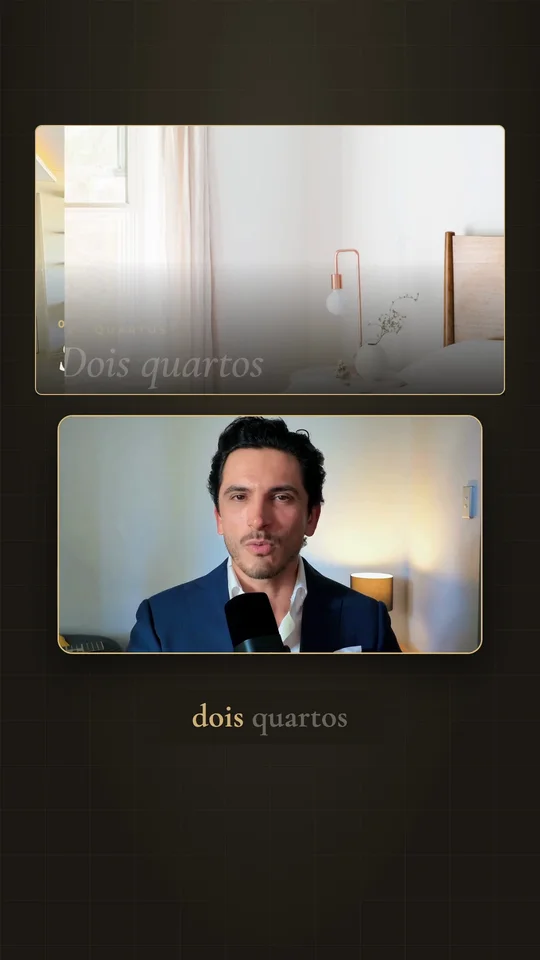
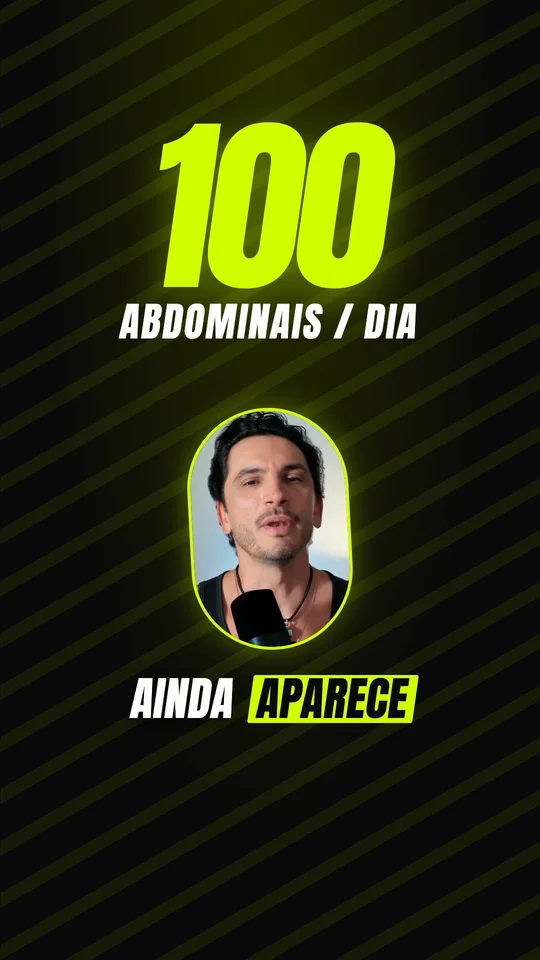
On 10/14/2026 the five styles became one skill, open on GitHub: pcauhi/bolo-de-camadas (MIT licence, version 1.0.0, written in Portuguese). When you use it, Claude asks for the niche: real estate (corretor), personal trainer, English teacher, chef or personal finance, or it builds a style for your own profession. Each style covers palette, Google Fonts, background, speaker placement, graphics per spoken beat, captions, the new effects (kinetic text, one shape turning into the next, a moving camera, 3D) and the safe zones. It works with Remotion and HyperFrames. The cards show frames from only the five niche segments of the approved reel; no private personal editing format is included.
In Claude Code, install it with:
git clone https://github.com/pcauhi/bolo-de-camadas ~/.claude/skills/bolo-de-camadasOn claude.ai, download the ZIP below and upload it under Settings → Capabilities → Skills (rendering the video still needs Claude Code on your computer).



Quick FAQ
Do I need to code? You can direct a coding agent instead of hand-writing React or GSAP. You still need a computer, installation, clear instructions and review. This isn't a one-tap phone editor.
Does it cost money? On 6 October 2026, the Remotion license explicitly granted its Free License to individuals, for-profit organizations with up to 3 employees, and nonprofits; other for-profit companies need a Company License. HyperFrames is Apache-2.0. Claude Code/model usage can cost money. My outfit changes used paid Higgsfield Seedance 2.5 video-edit, billed on input and output seconds; check current prices before ordering.
Can I use a phone take? Yes: supply your recorded file and transcript, keep audio clear and check the crop. Secure rights to your media.
How long will rendering take? On 6 October 2026, my 115.7 s HyperFrames reel took 3 min 52 s on that Mac. The Remotion version was not timed. Your hardware, footage and effects will change the result. Time a ten-second trial first.
Sources and limitations, checked 6 October 2026.
Comments
Have a question or something to add? Join the conversation.
No account needed. Select Sign in and choose a name to comment.
Loading the conversation…
Comment privacyCommenting guidelines