

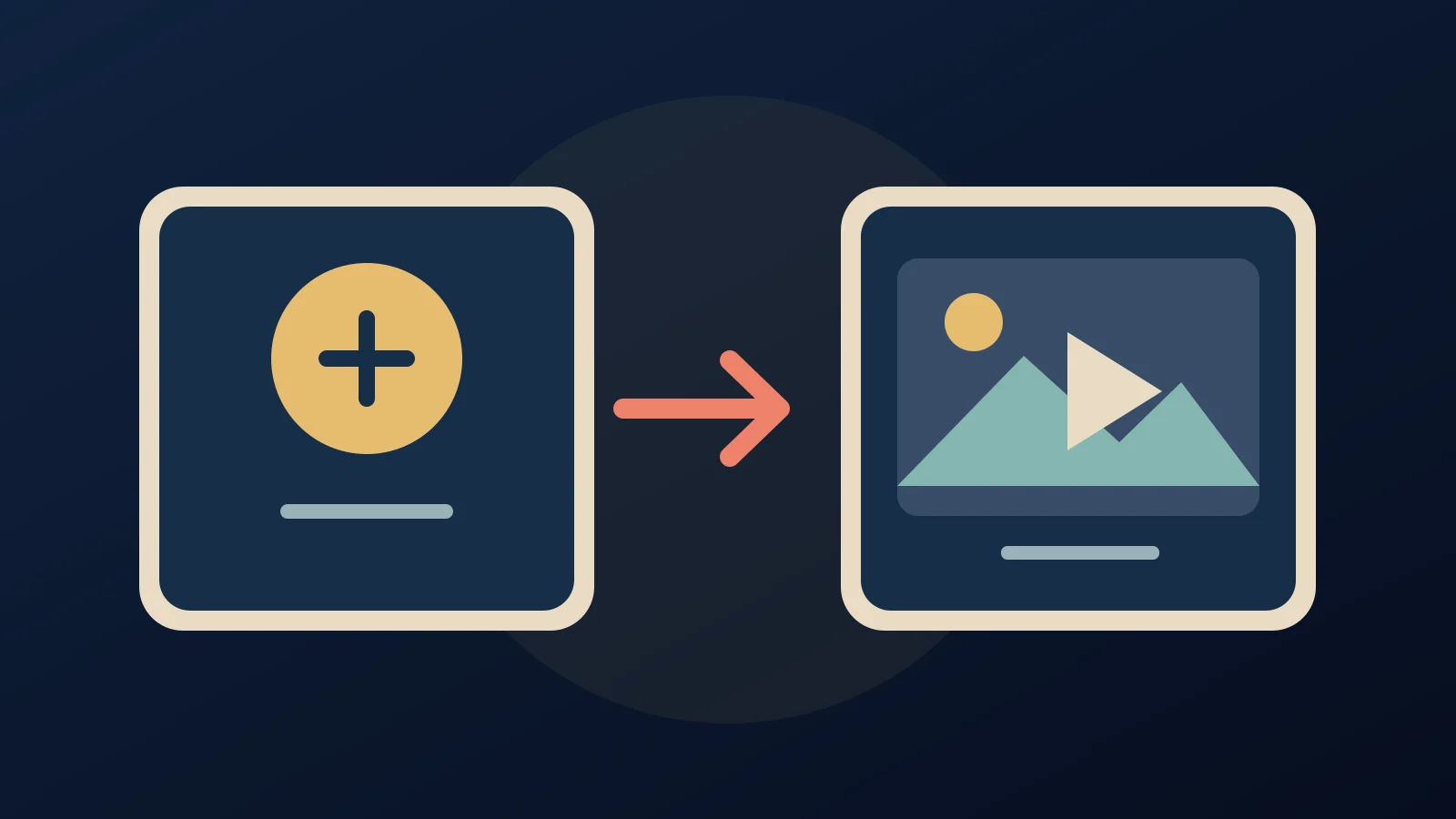

Commented CHAVE? You can make videos through the Higgsfield API without a monthly subscription. It is not free: add money to a separate US-dollar API balance before generating. Your subscription credits on higgsfield.ai do not transfer to the API.
What is available?
Higgsfield says (affiliate link) its catalog contains 50+ image and video models. The public catalog currently lists Kling 3.0, Seedance 2.5, Wan 3.0 and MiniMax H3. Choose a model for your task; duration, resolution and audio can change the price.
Make your first video without code
- Sign up at open.higgsfield.ai, the API console, not the subscription site.
- Under Billing, add an international payment card and top up. The official help article sets the minimum at US$5. Acceptance of Brazilian-issued cards has not been verified; check checkout and your bank's foreign-exchange fees. Leave auto top-up off if you want requests to stop when the balance is empty.
- In Explore models, choose a text-to-video model and open its Playground. The public Kling 3.0 Standard playground shows prompt and duration fields. No API key or programming is needed for this interface; a funded account's actual generation still needs a manual check.
- Describe your scene. Example, not tested: “A cyclist on a São Paulo street at sunrise, smooth tracking shot, warm light, no text.” Choose the duration and aspect ratio.
- Check the displayed cost for your settings before pressing Generate, and compare the public rate list. Official docs confirm a pre-request estimate endpoint, but we could not verify the final cost display in the logged-in playground. If no price appears, do not generate until you know the cost.
- Generate, wait, and download your file. Outputs remain available for at least seven days, not forever.
Is it cheaper than a plan?
The official blog gives US$1.12 for a ten-second Kling 3.0 clip, using a US$0.112/s rate. This is an illustration, not a current universal quote: the public Kling 3.0 Standard listing currently shows a different promotional rate starting at US$0.042/s. Check your exact model and settings. Failed generations are refunded to the balance automatically, according to Higgsfield's help center.
For a few clips a month, paying only for what you make may beat an underused monthly plan. For heavy use, compare your actual per-generation spend against the subscription and its limits; a plan may win. Catalogs and billing are separate. Prepaid funds expire after one year. With auto top-up disabled, requests wait when the balance runs out.
Optional: for developers
The official SDK guide documents pip install higgsfield-client for Python and npm install @higgsfield/client for Node/TypeScript. Create an API key in the console and keep credentials on the server, never in a browser or public repository. Follow the current sample for your chosen model. The playground does not require this setup.
Need inspiration? See the LOBBY music-video guide. LOBBY uses Claude with the paid Higgsfield plan and plan credits, not this prepaid API; do not mix up the costs or workflows.
Sources and manual checks. Checked 3 October 2026.
Comments
Have a question or something to add? Join the conversation.
No account needed. Select Sign in and choose a name to comment.
Loading the conversation…
Comment privacyCommenting guidelines