
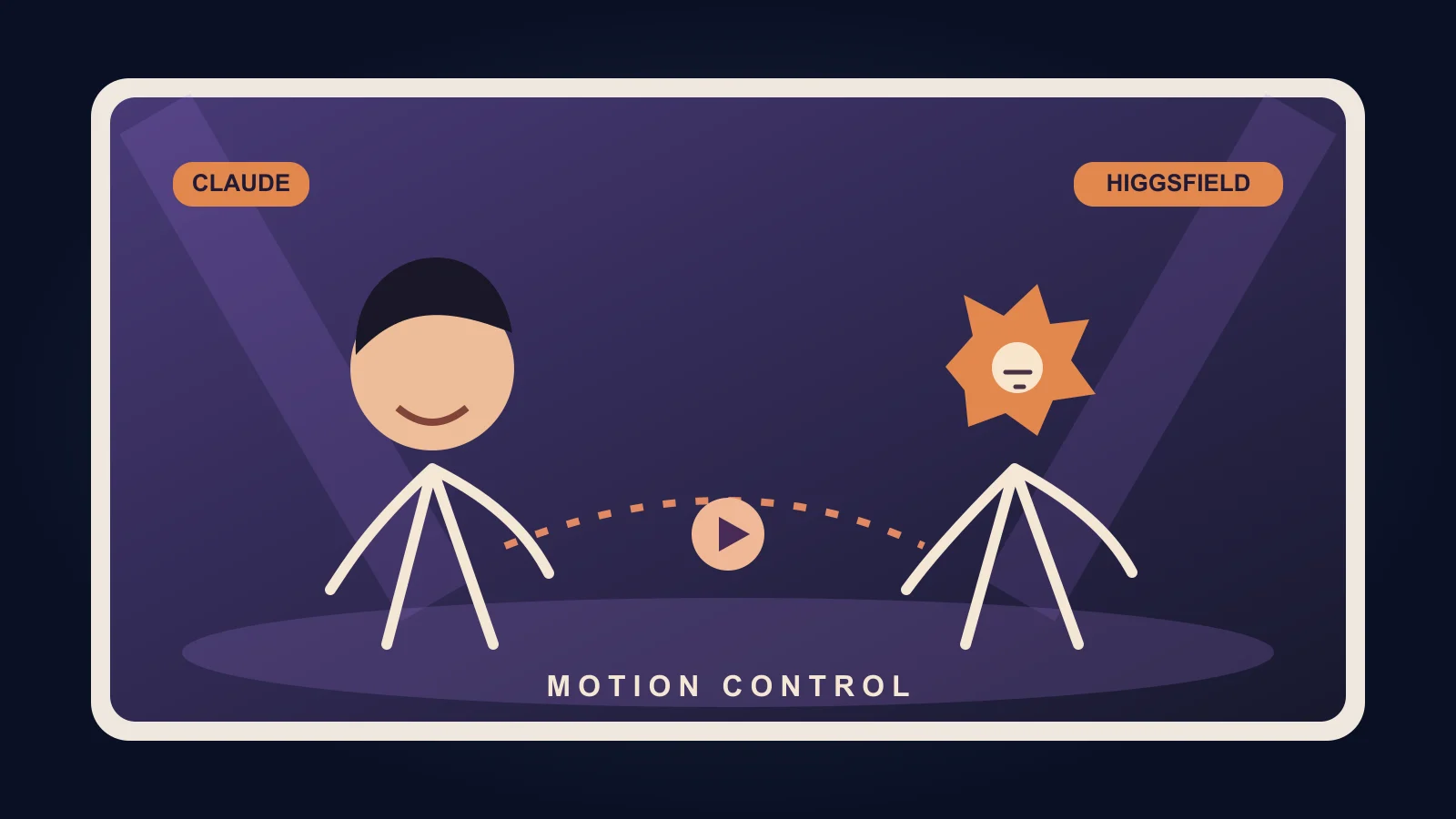

Pick a 5–15-second performance clip you have the right to use, add a full-body photo of yourself and an image of a character you created, then ask Claude to drive Higgsfield Genjutsu. It replaces the performers while trying to keep their moves, mouth movements, timing, camera and background. Review the output: neither perfect lip-sync nor an unchanged background is guaranteed.
What you need and what it costs
- Claude on claude.ai, Claude Desktop or Claude Code. Check whether custom connectors are available on your Claude plan.
- A paid Higgsfield subscription (affiliate link). As checked on 01/10/2026: Starter US$19/month billed annually, 270 credits/month and no free Genjutsu runs; Plus US$47/month billed annually, 1,200 credits/month and three free 720p Genjutsu runs on the website only; Ultra US$99/month billed annually. Taxes may apply. Recheck before buying.
- In my test, a 14-second 720p clip used about 100 credits. This is my result, not a fixed price. Connected-agent generations spend credits at standard rates, even if your web plan includes free runs.
- Optional: ChatGPT image generation, or any image model, to make your character.
Connect Higgsfield to Claude
claude.ai / Claude Desktop: Settings → Connectors → Add custom connector. Name it Higgsfield, paste this URL, click Connect, then sign in and authorize your Higgsfield account. No API key is needed.
https://mcp.higgsfield.ai/mcpClaude Code: Use Higgsfield's CLI instead of the custom connector. Run these commands one at a time; the login opens a browser for you to authorize:
npm i -g @higgsfield/clihiggsfield auth loginnpx skills add higgsfield-ai/skillsHermes and OpenClaw use that CLI path too. ChatGPT uses the Higgsfield plugin; Cursor uses its marketplace integration. To check the connection, ask Claude, “What is my Higgsfield credit balance?” and confirm it calls Higgsfield.
Claude's connector settings screen could not be captured without account access; use the official illustrated instructions if the menu looks different.
Prepare three files
- Driving video: a 5–15-second screen recording of a performance you may use. Keep both performers in frame, with clear movements. Higgsfield lists a 4–30-second reference-video range as of 01/10/2026; this shorter range is a practical starting point, not a product limit.
- You: a full-body photo, head to toe, against a plain background, wearing the outfit you want in the result. A selfie makes the shoes and body harder to reproduce.
- Your sidekick: a full-body image with a visible face and mouth. No character yet? Paste this example into ChatGPT image generation or ask Claude + Higgsfield to generate it:
Create an original full-body orange starburst-headed character with a friendly face and clearly visible mouth, wearing streetwear and sneakers, standing against a plain background. Show the entire body from head to toe, with no other people or text.When Claude needs local files, ask it to open the Higgsfield upload window and upload each reference there; attaching an image in chat alone may not send it to Higgsfield. Label the driving video, your photo and the character image clearly.
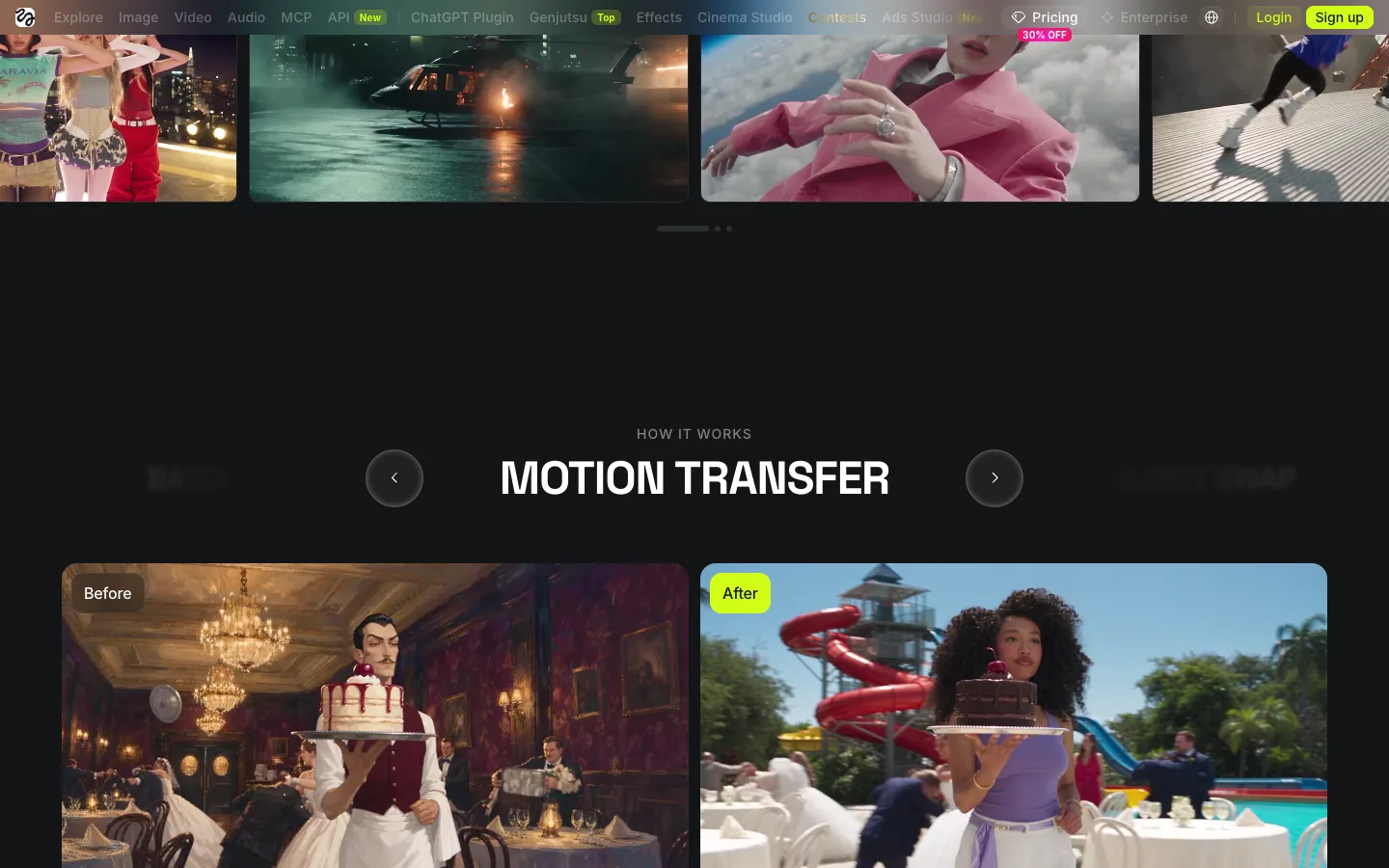
Paste my exact Claude prompt
Replace the bracketed descriptions and upload your files. The English block below is the prompt I used; leave the model ID in place for this copy, but if Claude cannot find it, ask for “the Genjutsu motion control model” instead. Higgsfield's public pages do not document that internal ID as of 01/10/2026.
I want to replace the two performers in a music video clip with me and my character, using Higgsfield Genjutsu (motion control).

Files I'm uploading:
- The driving video: a [X]-second clip of two people performing
- A full-body photo of me
- A full-body image of my character

Placement:
- LEFT person → my character: [describe head/face, body, outfit, jewelry, shoes]
- RIGHT person → me: [describe hair, glasses, top, jewelry, tattoos, pants, shoes]

Instructions:
1. Upload my files to Higgsfield
2. Use the hf_mult_motion_control (Genjutsu) model at 720p
3. Keep the exact motion, gestures, mouth movements, timing, camera framing and background from the original clip
4. Tell me the credit cost and wait for my OK before generating
5. Show me the result when it's done
Prefer to speak to Claude in Portuguese or Spanish? Copy one of these translated versions instead. The English block above remains exactly as pasted.
Quero substituir os dois artistas de um clipe de performance por mim e pelo meu personagem, usando o Higgsfield Genjutsu (controle de movimento).

Arquivos que vou enviar:
- Vídeo de referência: um clipe de [X] segundos com duas pessoas se apresentando
- Uma foto minha de corpo inteiro
- Uma imagem de corpo inteiro do meu personagem

Posicionamento:
- Pessoa à ESQUERDA → meu personagem: [descreva cabeça/rosto, corpo, roupa, joias, sapatos]
- Pessoa à DIREITA → eu: [descreva cabelo, óculos, parte de cima, joias, tatuagens, calça, sapatos]

Instruções:
1. Envie meus arquivos ao Higgsfield
2. Use o modelo hf_mult_motion_control (Genjutsu) em 720p
3. Preserve os movimentos, gestos, movimentos da boca, ritmo, enquadramento e fundo do clipe original
4. Diga o custo em créditos e espere meu OK antes de gerar
5. Mostre o resultado quando terminarQuiero sustituir a los dos artistas de un vídeo de actuación por mí y mi personaje usando Higgsfield Genjutsu (control de movimiento).
Archivos que voy a subir:
- Vídeo de referencia: un clip de [X] segundos con dos personas actuando
- Una foto mía de cuerpo entero
- Una imagen de cuerpo entero de mi personaje
Posiciones:
- Persona de la IZQUIERDA → mi personaje: [describe cabeza/rostro, cuerpo, ropa, joyas, zapatos]
- Persona de la DERECHA → yo: [describe pelo, gafas, parte superior, joyas, tatuajes, pantalones, zapatos]
Instrucciones:
1. Sube mis archivos a Higgsfield
2. Usa el modelo hf_mult_motion_control (Genjutsu) a 720p
3. Conserva los movimientos, gestos, movimientos de la boca, ritmo, encuadre y fondo del clip original
4. Dime el coste en créditos y espera mi OK antes de generar
5. Muéstrame el resultado cuando esté listoWait for the quote before approving. “Ask first” is only a prompt-level instruction, not a hard credit cap. If 480p is available for this model, request a draft at 480p before a 720p final; confirm its actual credit quote first. Watch the result before posting: motion transfer can miss facial details or change the background.
Posting to Reels
Export your result without re-uploading the original song audio. In Instagram, choose music from its own library for your Reel, subject to availability and licence terms; copyrighted source audio may be muted or flagged. Keep captions and on-screen text away from the edges and interface buttons. Only publish video material you have rights to share.
FAQ
Is it free? No. Higgsfield requires an active paid plan for connected agents. Claude's free tier may handle chat, but check connector availability on your plan. Pricing checked 01/10/2026.
How many credits? About 100 for my own 14-second 720p test; yours may differ. Ask for the cost and wait before generation. Free website runs do not cover MCP/CLI generations.
ChatGPT or Cursor? Yes. Higgsfield documents a ChatGPT plugin and Cursor marketplace integration; the exact Claude prompt is for Claude, so adapt the tool instruction there.
Why did they switch sides? Spell out LEFT and RIGHT and identify each image by name; regenerate only after reviewing the cost.
Why doesn't the character's mouth move? Use a reference image with a clearly visible mouth and a clip where the face is in view. Motion control does not guarantee convincing lip-sync.
Can I use any music video? No blanket permission. Use video you own or are licensed to publish, or keep a rights-uncleared experiment private. Instagram music licensing does not grant rights to the underlying source footage.
Sources: Higgsfield connection guide, Genjutsu, pricing. Checked 01/10/2026.
Comments
Have a question or something to add? Join the conversation.
No account needed. Select Sign in and choose a name to comment.
Loading the conversation…
Comment privacyCommenting guidelines