


Commented REVERSO? Here is the link and the step by step. Reverse API Engineer is a free, open-source tool that pulls a website's data through the same requests the site itself makes behind the scenes, even when it offers no official access. You name the site and the data you want, the AI browses, watches those requests and writes code to fetch it all again whenever you like.
The project's official banner (MIT licence, kalil0321).
First, four truths:
- The tool is free (MIT licence), but it needs a connected AI. The default is Claude, which is paid (per use, with an API key). There is a path with a free model through OpenCode (see step 3).
- It is not “any website”. The README itself warns: sites with aggressive bot detection may block the capture or require manual interaction.
- Only use it on your own site, with permission, or on public data. Many sites forbid automated extraction in their terms of use, and personal data falls under privacy law (LGPD in Brazil, GDPR in Europe).
- The steps come from the official documentation and WERE NOT TESTED BY US. We did not install or run the tool to write this guide. The images are screenshots of public pages.
| What it is | Detail |
|---|---|
| Name | Reverse API Engineer (nickname rae) |
| Made by | Kalil (kalil0321), a developer in Zurich, Switzerland |
| Licence | MIT: free to use, copy and modify, keeping the licence notice |
| Works with | Claude Code (default), Cursor, GitHub Copilot and OpenCode (including a free model) |
| Writes code in | 10 languages: Python (default), JavaScript, TypeScript, Go, Java, C#, PHP, Ruby, C and PowerShell |
| Runs on | Your computer: Apple Silicon Mac, 64-bit Windows or Linux. Not Intel Macs, not phones |
| Version | v0.14.0 (23/09/2026), updated 27/10/2026 (checked 28/10/2026) |
How it works, in plain words
Every website, when it loads, makes hidden requests to its server to fetch the data (prices, photos, text). The “channel” those requests go through is the API: think of a waiter who carries the order from the page to the kitchen and comes back with the data.
Many sites offer no public API, but the page uses one internally. Reverse API Engineer does reverse engineering (taking something apart to understand how it works):
- You write the goal, like “get the name and price of the products on this page”.
- A browser opens the site. You browse, or an AI agent browses on its own (clicks, searches, pages through).
- The tool records every request the site makes during that time.
- The AI reads those requests, finds the one that carries the data you want and writes code that makes that same request directly, without opening the site again.
That is why it doesn’t depend on how the page looks: if the site changes its design, the code still asks the kitchen directly. But it is not “never breaks”: if the site changes its own internal requests, the code has to be redone.
Want to see the “kitchen” for yourself? The practice site quotes.toscrape.com/scroll was built for people learning data collection. As you scroll, it fetches more quotes through a hidden request. Open that request directly in your browser: quotes.toscrape.com/api/quotes?page=1. You get the quotes, authors and tags as plain text (JSON format), without the page design. That is exactly the kind of request the tool looks for (we checked the address on 28/10/2026; this is not a test of the tool).
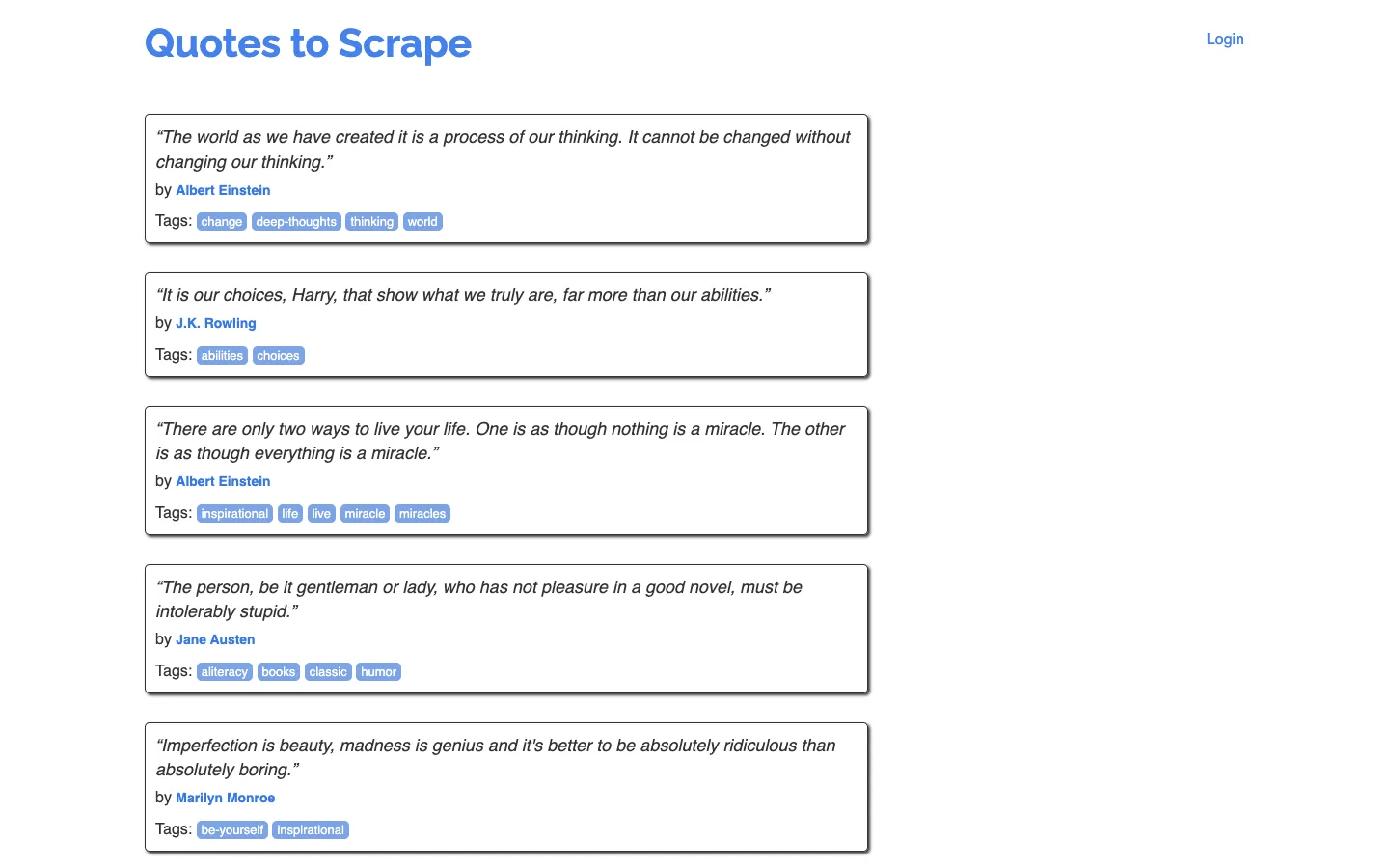
The practice site, captured on 28/10/2026. This guide’s examples use it on purpose: it was built for this.
The simplest path
Documentation step, not tested by us. You need a computer (Apple Silicon Mac, 64-bit Windows or Linux) and to paste a few commands into the Terminal (Mac: the Terminal app; Windows: PowerShell). No coding needed: copy, paste, press Enter.
Install uv (the recommended installer)
The project recommends installing with uv, an installer for Python tools. Skip this if you already have it.
Mac or Linux:
curl -LsSf https://astral.sh/uv/install.sh | shWindows (PowerShell):
powershell -ExecutionPolicy ByPass -c "irm https://astral.sh/uv/install.ps1 | iex"Close and reopen the Terminal after installing. (Commands from the official uv documentation.)
Agent mode (the AI browsing on its own) also needs Node.js 20 or newer: download the “LTS” installer at nodejs.org.
Install Reverse API Engineer
One command:
uv tool install reverse-api-engineerTo check it worked (a version number should appear):
reverse-api-engineer --versionIf it says the command doesn’t exist, close and reopen the Terminal.
Connect an AI (paid or free)
The tool is only the “engine”: the AI you connect is what reads the requests and writes the code. Pick one:
Option A: Claude (the default, paid). Create an API key in the Anthropic console, add credit and set the key in the Terminal before opening the tool (replace the text with your key; on Windows use $env:ANTHROPIC_API_KEY="your-key"):
export ANTHROPIC_API_KEY=your-key-hereThe default model is Claude Sonnet 4.6, billed per use: on 28/10/2026, US$ 3 per million input tokens and US$ 15 per million output tokens (Anthropic pricing). What each capture costs depends on the site; the tool shows each run’s cost in /history. Never paste your key into websites or messages.
Option B: a free model through OpenCode. Inside the tool, type /settings, choose SDK and switch to opencode. According to the documentation, it downloads and starts OpenCode by itself (needs Node.js 20+) and, on a fresh configuration, uses the free big-pickle model. Free models tend to be weaker and the list changes; the tool itself shows which ones are available.
You can also use Cursor or GitHub Copilot (if you already subscribe) or a local model through Ollama, all in /settings.
Ask for the data and let the AI browse
Open the tool:
reverse-api-engineerIt starts in agent mode (the AI browses on its own). Write what you want in plain words and press Enter. An example request, written by us, using the practice site:
Get the quotes, authors and tags from https://quotes.toscrape.com/scroll and generate code that fetches the first 3 pagesA browser opens, the AI browses and records the requests. At the end, according to the README, you get a scripts/ folder with the generated code (api_client.py), a README explaining it and a usage example (example_usage.py).
Prefer to browse yourself? Press Shift+Tab to change mode (agent → manual → engineer → collector). In manual, you browse, close the browser and the AI writes the code. That mode needs an extra (see “Going further”).
Want a spreadsheet? Use collector mode
The normal mode gives you code, not a spreadsheet. To end up with a table, use collector mode (press Shift+Tab until collector shows) and describe what you want to gather. It saves the data as JSON and CSV in a collected/ folder. The CSV opens in Excel and Google Sheets (in Sheets: File → Import).
Two honest notes: in the current code, the collector uses Claude (not the free model) and works with web search and page fetching, not with the browser request recording. File names differ between the documentation (items.csv) and the current code (data.csv).
What is true (and what the video simplified)
- “Turns any website into an API” / “data from any website”: overstated. Sites with aggressive bot detection may block the capture or require manual interaction (README, “Caveats”). On screen in the video: “nem todo site” (not every site).
- “Free tool”: the tool is free (MIT). The AI it uses can be paid (Claude, the default) or free (OpenCode with big-pickle, or a local model through Ollama).
- “If the shop changes its look, it keeps working”: half true. It doesn’t depend on the design, but the site can change its internal requests, and then the code has to be redone.
- “It all comes out in an Excel or Google Sheets spreadsheet”: the spreadsheet comes from collector mode, which saves CSV (opens in Excel and Sheets). Normal mode generates code.
- The shop in the video is illustrative (“loja-exemplo.com.br”): products, prices and requests on screen are examples of the mechanism, not a real shop or a test by us.
- The name is Reverse API Engineer (spoken as “Reverse API Engineering” in the video).
Going further
Optional, for terminal users. Commands from the project’s README and documentation (commit of 27/10/2026), documentation step, not tested by us.
Install with pip (instead of uv; needs Python 3.11+):
pip install reverse-api-engineerManual mode (you browse in a local Chromium): install the extra and the browser.
uv tool install "reverse-api-engineer[manual]"playwright install chromiumThe 4 modes (switch with Shift+Tab):
| Mode | What it does |
|---|---|
agent | Default. The AI drives the browser (Playwright MCP, your real Chrome or Vercel’s agent-browser) |
manual | You browse; when you close the browser, the AI generates code from the recorded requests (HAR file) |
engineer | Regenerates code from a previous capture (engineer <run_id>) without browsing again |
collector | The AI gathers structured data with web search and page fetching and exports JSON and CSV |
Run without the interactive screen (good for automation; --json returns a result other programs can read):
reverse-api-engineer agent --prompt "capture the public quotes api" --url https://quotes.toscrape.com/scroll --jsonTo check the setup without opening a browser (checks prompt, URL, AI, Node.js and output folder):
reverse-api-engineer agent --prompt "capture the public quotes api" --url https://quotes.toscrape.com/scroll --dry-runCollector straight from the command line:
reverse-api-engineer collector --prompt "gather the quotes and authors from quotes.toscrape.com"Run generated code again (installs whatever is missing):
reverse-api-engineer run <run_id> --file api_client.py --no-interactive --auto-installOther commands: reverse-api-engineer list --json (lists runs), reverse-api-engineer show <run_id> --json (details of one). Inside the tool: /settings (AI, model, agent provider, language), /history (runs with cost), /messages <run_id> (what the AI did), /help, /exit.
Use your real Chrome (to keep sessions you are already logged into, on sites where that is allowed): in /settings, “agent provider” → chrome-mcp. Needs Chrome 146+, Node.js 20.19+ and auto-connect turned on at chrome://inspect/#remote-debugging.
Configuration in ~/.reverse-api/config.json (or through /settings). The main fields, with the README defaults:
{
  "sdk": "claude",
  "claude_code_model": "claude-sonnet-4-6",
  "collector_model": "claude-sonnet-4-6",
  "opencode_provider": "opencode",
  "opencode_model": "big-pickle",
  "agent_provider": "auto",
  "output_language": "python",
  "output_dir": null
}
- sdk:
claude(default),opencode,cursororcopilot. - output_language:
python,javascript,typescript,go,java,csharp,php,ruby,corpowershell. - Ollama (local model, free): in
/settings, OpenCode provider →ollama. Only installed models with tool calling and a 64k+ token context appear; download first withollama pull <model>. - Where files go:
~/.reverse-api/runs/scripts/{run_id}/(permanent copy) and./scripts/{name}/in the folder where you opened the tool; collector in./collected/{folder}/. - Odd error? Run with the variable
RAE_DEBUG=1to see the technical detail.
Ready-made examples from the project itself (code generated by the tool and published by the author, MIT): Apple (jobs), Uber (jobs), IKEA (product search and prices), AutoScout24 (car listings), Ashby and Mintlify. Download them here, with the README and licence: Reverse API Engineer examples (ZIP, 87 KB). They show what generated code looks like; real sites change, so they may no longer work.
Quick questions
Do I need to know how to code?
To install and ask, no: you copy commands, paste them and write what you want in plain words. But the normal result is code (Python by default). To use that code day to day, it helps a lot to have someone, or an AI, explain and run it for you. Collector mode gives you a CSV that opens in Excel or Google Sheets.
Is it free?
The tool is free (MIT). The connected AI is separate: Claude (the default) is paid per use; on 28/10/2026, Sonnet 4.6 cost US$ 3 per million input tokens and US$ 15 per million output tokens. There is a free path with OpenCode (big-pickle model) or a local model through Ollama. Collector mode, in the current code, uses Claude.
Does it work on my computer? And on my phone?
It works on Apple Silicon Macs (M1 or newer), 64-bit Windows and Linux. It does not work on Intel Macs, 32-bit Windows or phones (it is a computer, terminal tool).
Is it safe?
It depends on how you use it:
- Everything runs on your machine, with no account and no project server (reverseapi.dev). But the recorded requests (including cookies and session tokens, if you browse logged in) go to the AI you configured to generate the code (manual mode docs).
- Review the generated code before running it (README, “Caveats”): it runs on your computer.
- Respect the site’s rules: use it on your own site, with permission or on public data. Many sites forbid automated extraction in their terms of use, and personal data needs a legal basis under privacy law.
- Never share your API key.
Does it work on sites with a login, like social networks?
We don’t recommend it. It has not been verified, and networks like LinkedIn, Instagram and Reddit forbid automated collection in their terms.
Honest limits
- Not every site: strong bot blocking can stop the capture or force you to interact by hand.
- Not “never breaks”: it doesn’t depend on the design, but the site can change its internal requests.
- Needs a connected AI. The default (Claude) is paid; free models tend to be weaker.
- The result is code, which you need to review and run. The spreadsheet comes from collector mode.
- Computer required: no Intel Macs, no 32-bit Windows, no phones.
- The numbers (version, 10 languages, prices) were checked on 28/10/2026 and change. We measured nothing and did not test the tool.
Credits and source
- Project: Reverse API Engineer, by Kalil (kalil0321). Copyright (c) 2025 kalil0321, MIT licence. The banner and examples on this page come from the repository at commit
4e15017(27/10/2026), unchanged. - Why he built it: in the author’s DEV post (31/12/2025), he explains he needed job data for a jobs map and did it all by hand: opened the browser’s developer tools, copied the requests, pasted them into Claude and assembled the code. “That worked, but it felt very repetitive.” So he automated it.
- Official source: github.com/kalil0321/reverse-api-engineer and the site reverseapi.dev.
- Practice site: toscrape.com, a public sandbox made for learning data collection.
- Claude pricing: platform.claude.com (checked 28/10/2026).
- This guide is not affiliated with the author or with Anthropic.
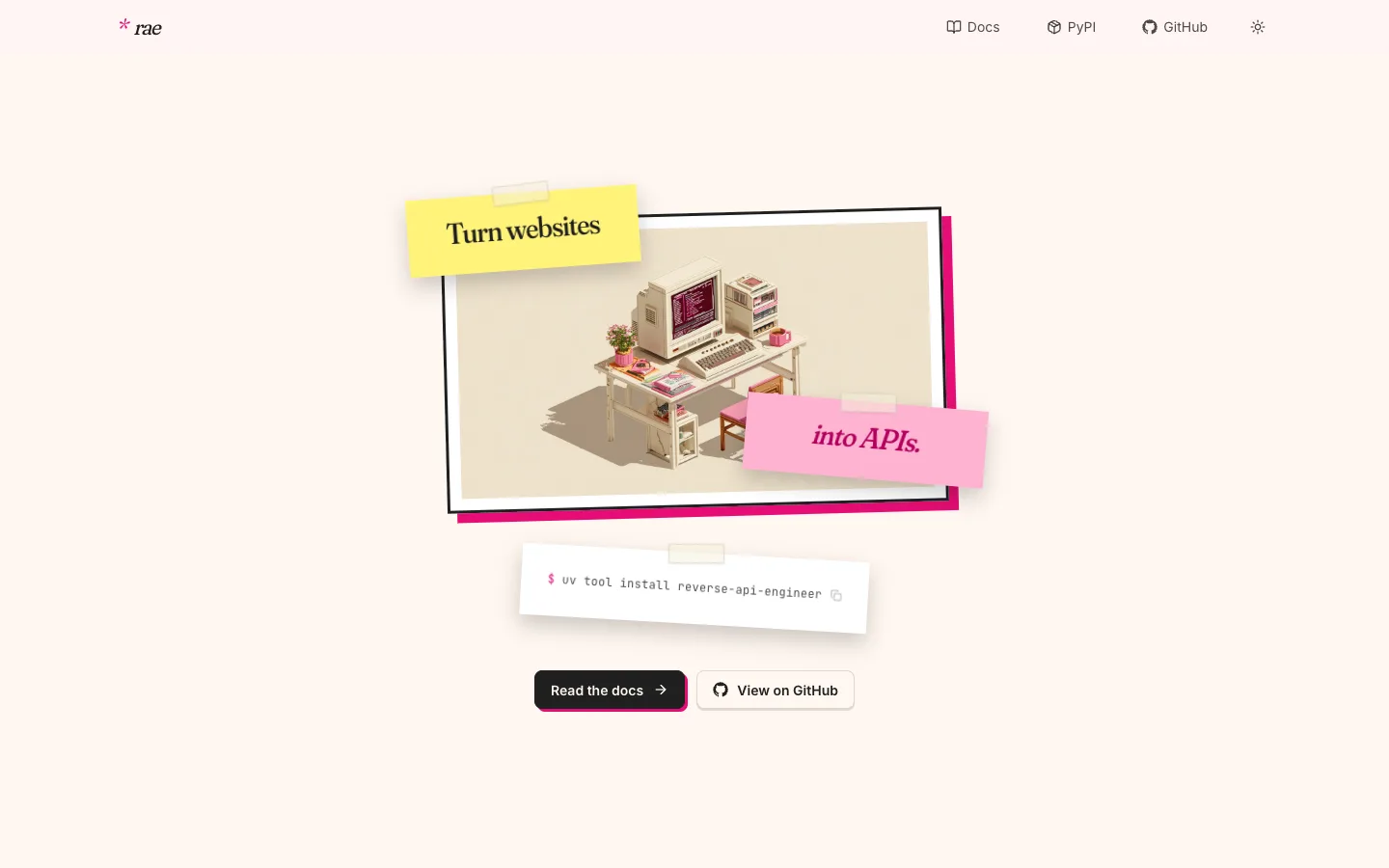
Public page reverseapi.dev, captured on 28/10/2026.
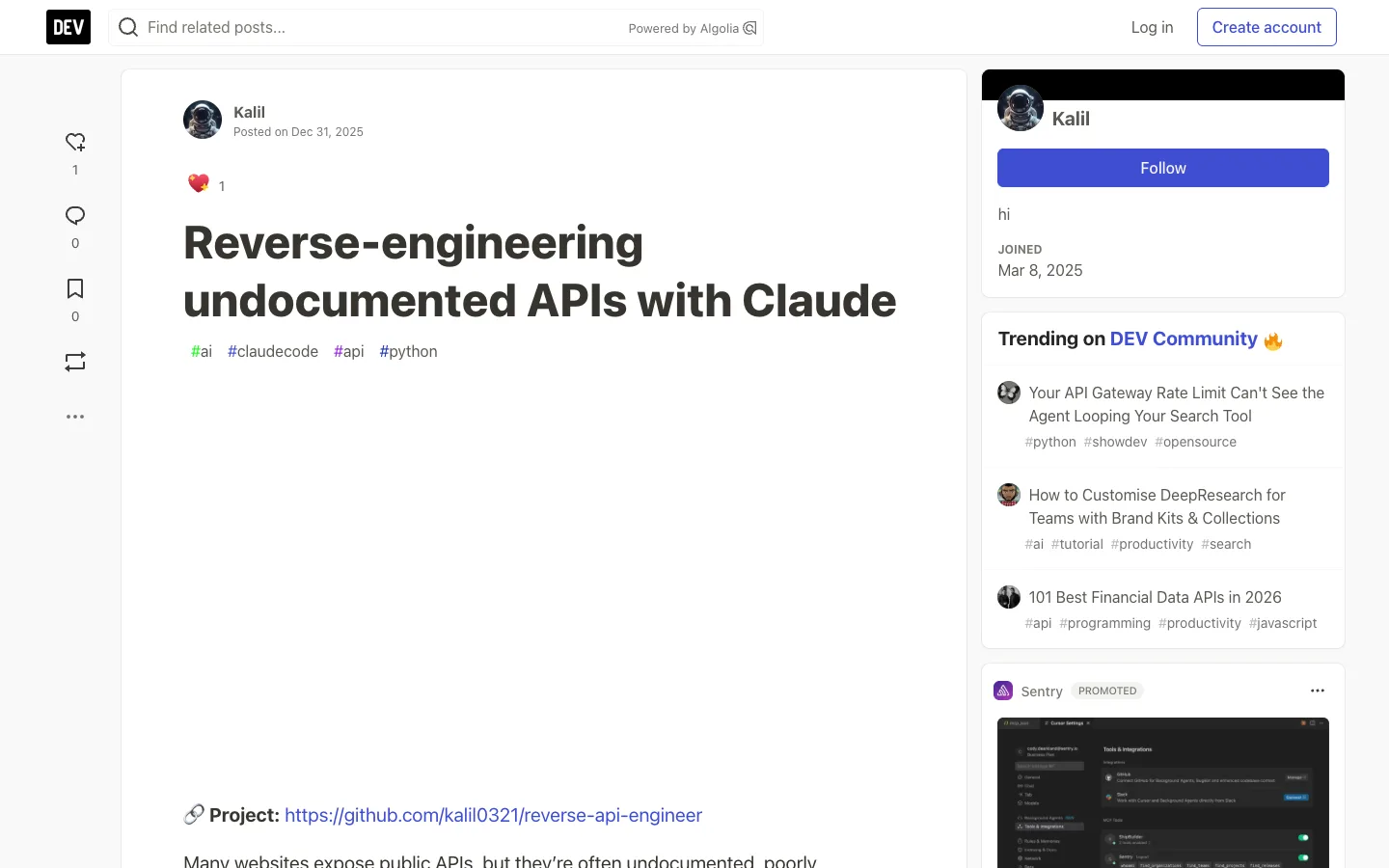
The author’s post explaining why he built the tool, captured on 28/10/2026.
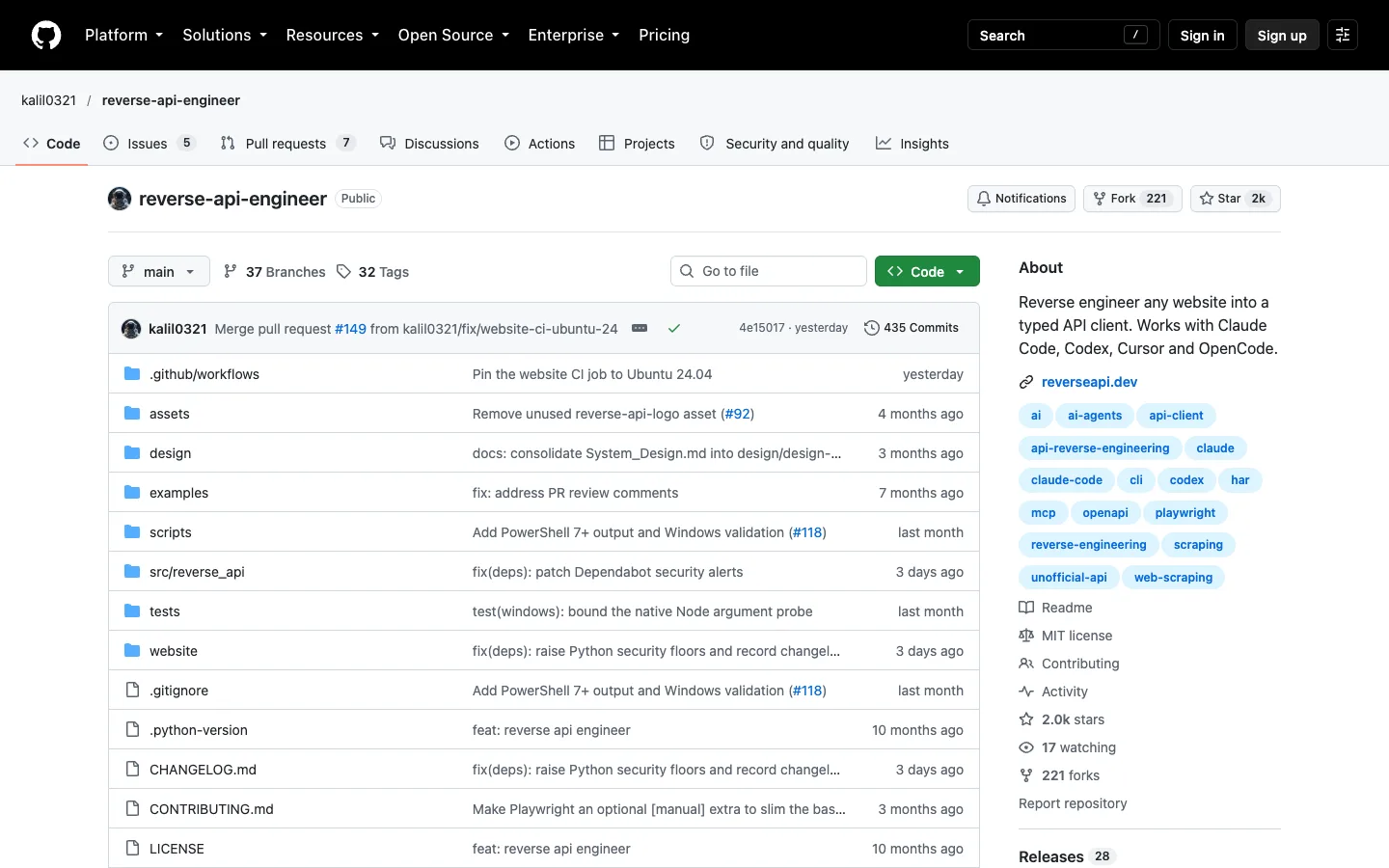
Public project page on GitHub, captured on 28/10/2026.
Comments
Have a question or something to add? Join the conversation.
No account needed. Select Sign in and choose a name to comment.
Loading the conversation…
Comment privacyCommenting guidelines