
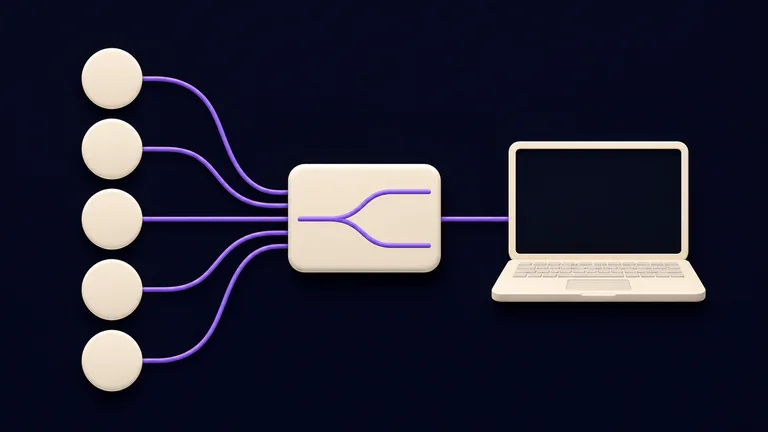
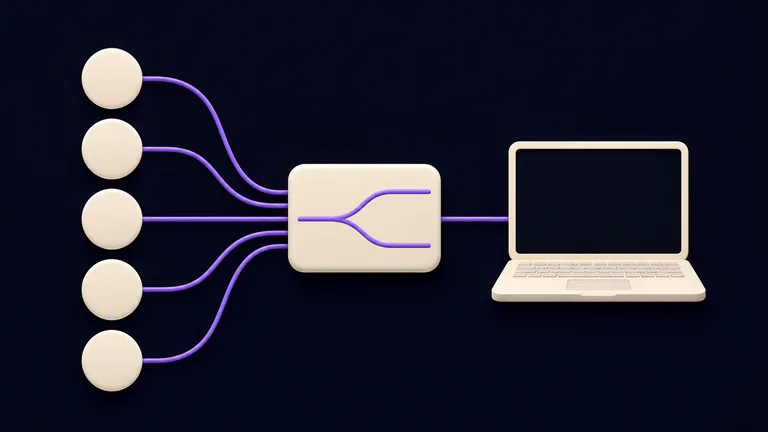
OmniRoute is a free, open-source AI gateway that runs on your computer. It puts hundreds of AI providers behind one local address, so Claude Code, Codex, and other tools can use those models without you changing settings every time. If a provider fails or hits its limit, it moves on to the next one.
Before you start
- A Mac, Windows PC, or Linux computer.
- Node.js 24 (LTS). OmniRoute also accepts the 22 line from 22.22.2, and versions 25 and 26. Check with
node --version. - Claude Code or Codex installed, if you want to use OmniRoute with them.
- No paid account: you can start with free providers only.
Running locally does not mean offline AI. OmniRoute runs on your machine, but each request is sent to the provider it picks. Your keys and logins are stored on your computer, encrypted.
Install and open the dashboard
Install it with npm:
npm install -g omnirouteThen start it:
omnirouteThe dashboard opens by itself at http://localhost:20128. If it doesn't, type that address into your browser. Keep the terminal open: OmniRoute has to keep running while you use it.
Connect free providers
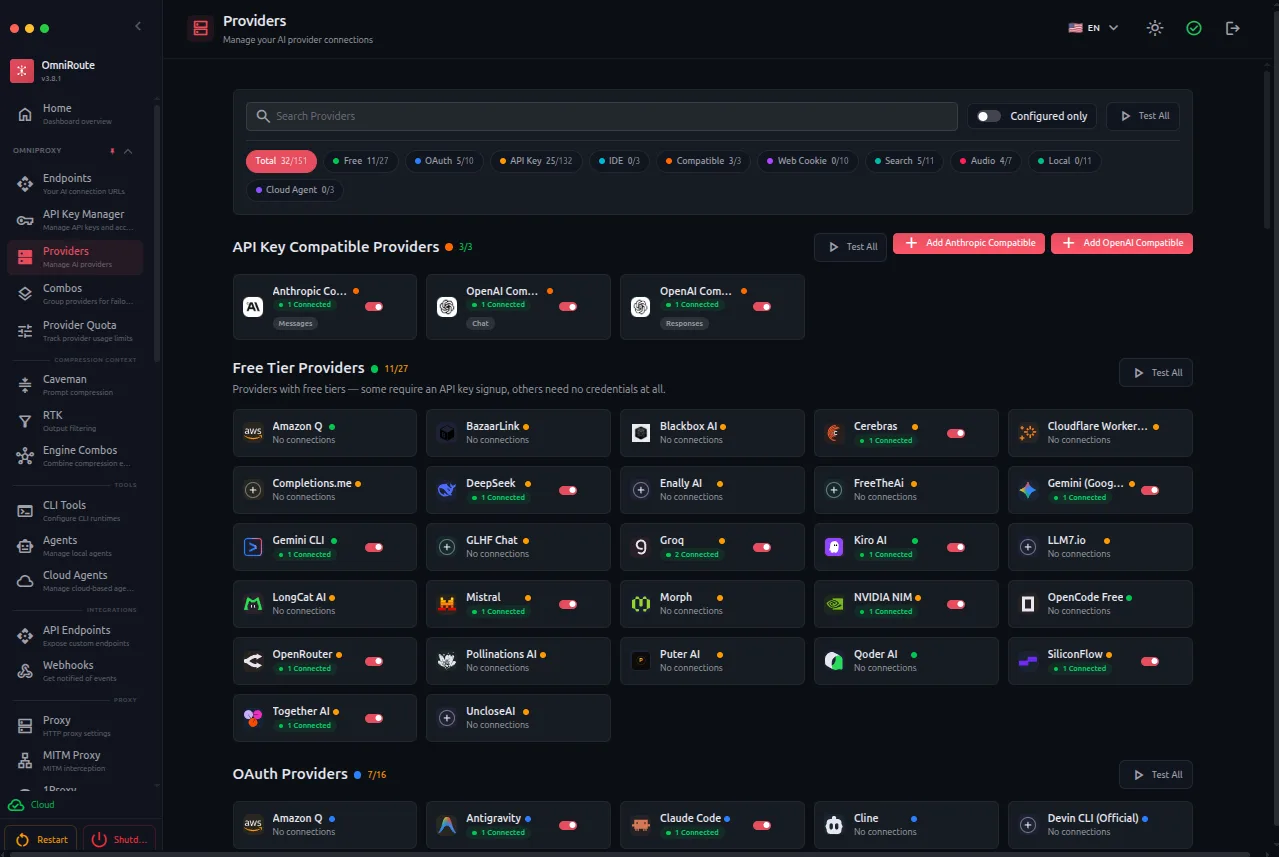
In the dashboard, open Providers and click Add Provider. Three options work with no key and no card:
- Kiro AI: free Claude models.
- OpenCode Free: several models, no login.
- Pollinations: access to GPT, Claude, Gemini, and more.
Pick one and click Connect. Later you can add subscription accounts and API keys; OmniRoute uses them all together.
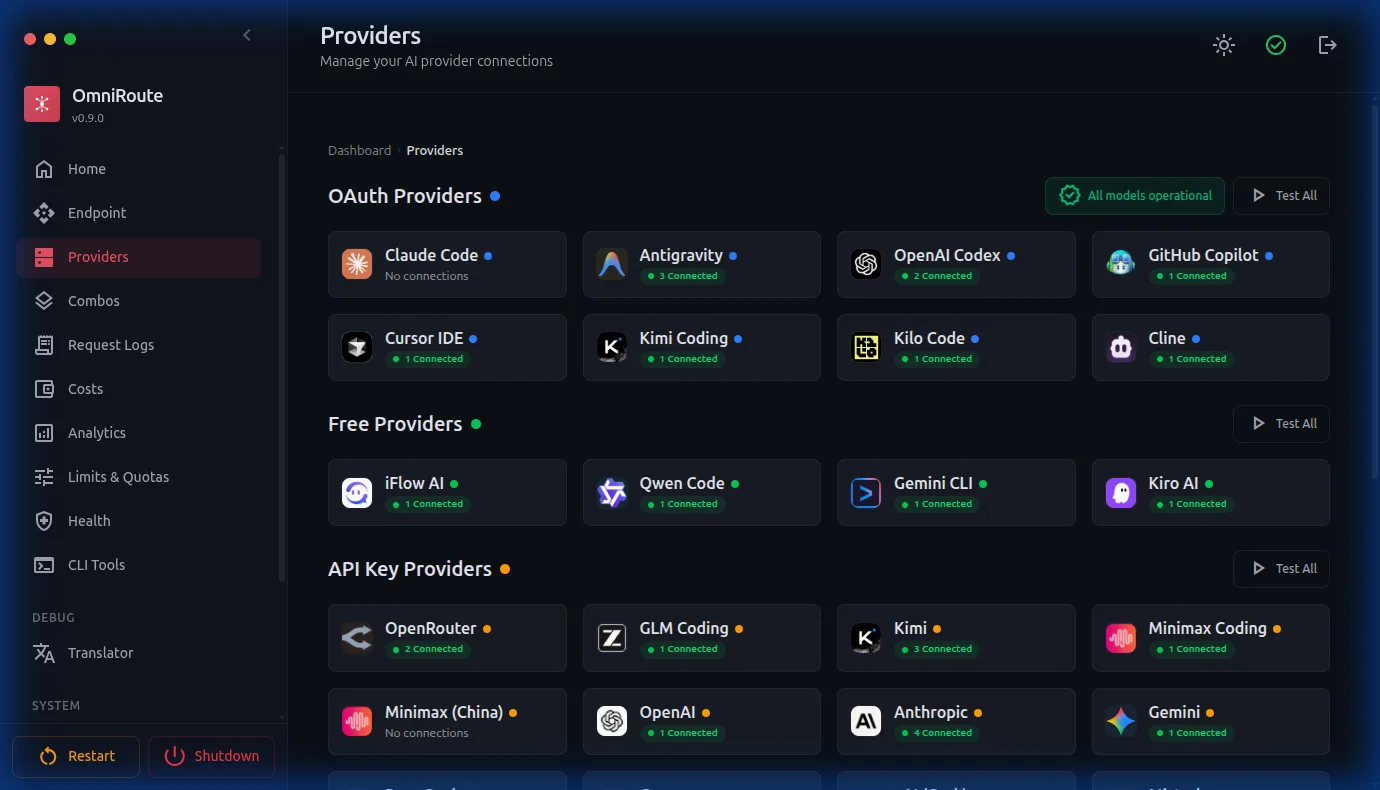
According to the project, the documented free quotas add up to about 1.51 billion tokens a month. The dashboard shows how much you have used at /dashboard/free-tiers.
Use it from Claude Code and Codex
First, create a key for your tools: in the dashboard, open API Keys and create a new one. Copy it straight away, because it is shown only once. This key lets your tools talk to OmniRoute, not to the providers.
Check that everything works, replacing YOUR_KEY with the key you copied:
curl http://localhost:20128/v1/models -H "Authorization: Bearer YOUR_KEY"You should see the list of connected models.
Claude Code. With OmniRoute running, open Claude Code through it:
omniroute launchThe command opens Claude Code already set up to use OmniRoute.
Codex. Store the key in an environment variable. On macOS or Linux, add this line to your ~/.zshrc or ~/.bashrc:
export OMNIROUTE_API_KEY="YOUR_KEY"On Windows, use setx OMNIROUTE_API_KEY YOUR_KEY. Then open Codex through OmniRoute:
omniroute launch-codex --model autoTo confirm requests go through OmniRoute, open Monitoring/Logs in the dashboard: every request shows up there.
Save tokens
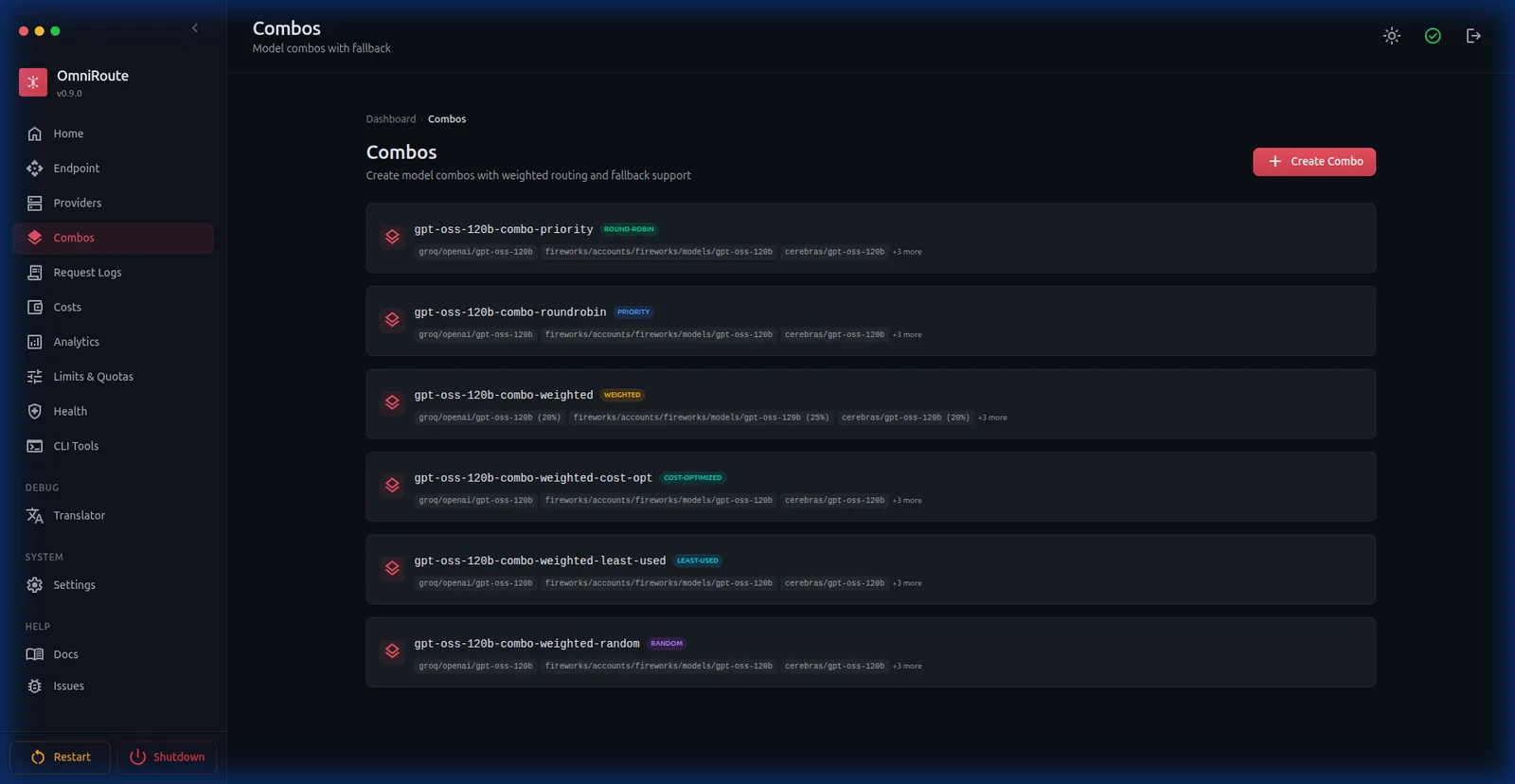
Before sending a request, OmniRoute can trim the context, such as repeated logs and terminal output. According to the project, the default combination (RTK followed by Caveman) saves 15% to 95% of tokens; on log-heavy requests, the documented range is 78% to 95%. In the project's example, a 10,000-token request reaches the provider at about 1,080. You don't change anything in your tools.
Keep an eye on the dashboard
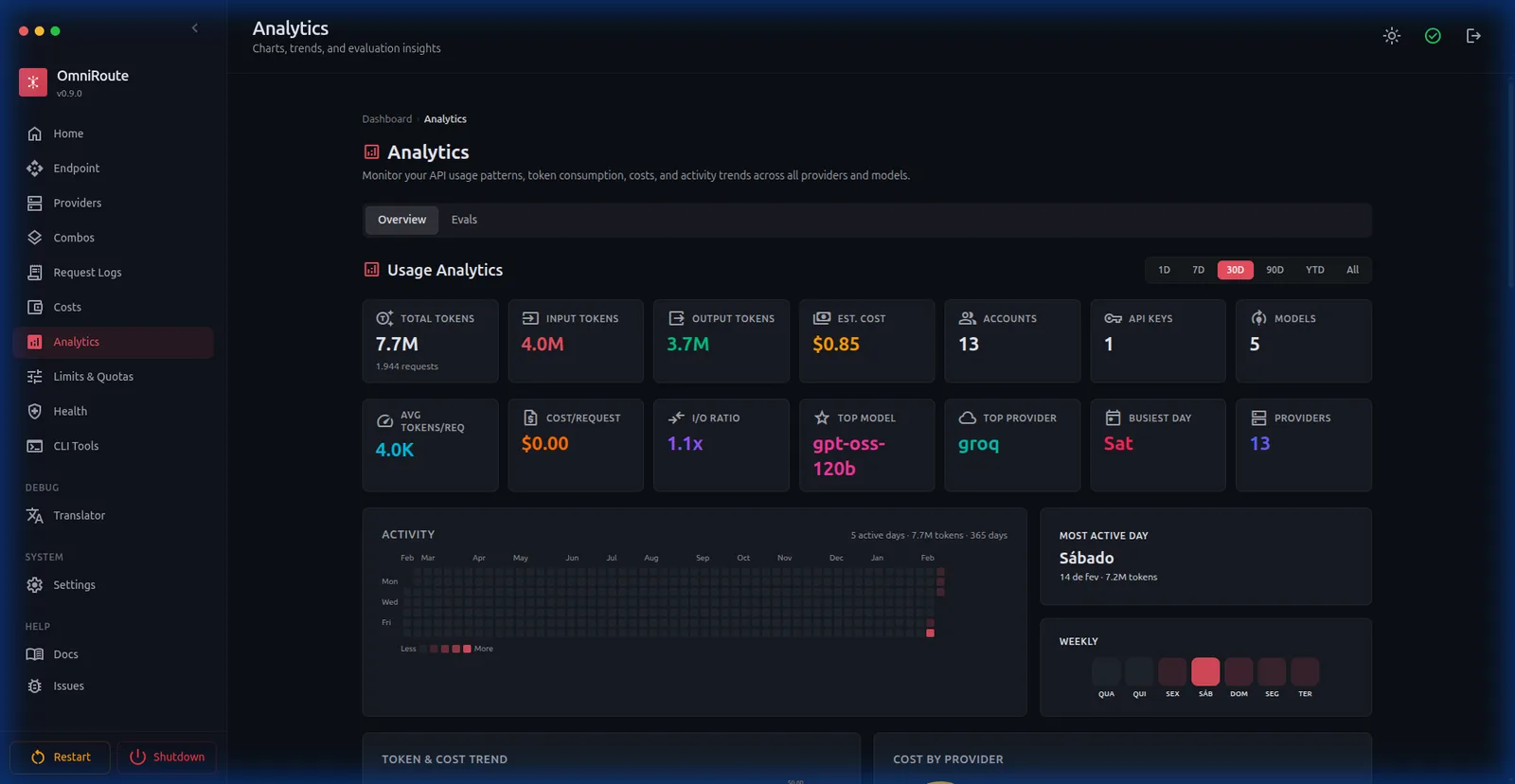
Under Analytics, you see which models answered, how many tokens you used, and what it would have cost. Under Monitoring/Logs, you see each request.
Common problems
- Your tool can't connect ("Can't connect"): OmniRoute isn't running. Open a terminal and run
omniroute. - "Rate limit exceeded" or a 429 error: the free provider throttled you. Wait a minute, use
auto, or connect more providers. Cannot find module 'better-sqlite3'with npm 11: runnpm approve-scripts better-sqlite3and install again.- "Module did not self-register": your Node version is outside the supported range. Install Node 24, reinstall with
npm install -g omniroute, and runomniroute. - Claude Code ignores OmniRoute: if you set it up by hand,
ANTHROPIC_BASE_URLmust not end in/v1, and Claude Code needs a restart. Withomniroute launch, this is already right. - A provider with a login stopped working: in the dashboard, open the provider and click Reconnect, or remove it and add it again.
To check providers and ports, run omniroute doctor.
OmniRoute is an open-source project, MIT licensed, created by Brazilian developer Diego Souza. Code and documentation: github.com/diegosouzapw/OmniRoute. This guide was written for version 3.8.50.
Comments
Have a question or something to add? Join the conversation.
No account needed. Select Sign in and choose a name to comment.
Loading the conversation…
Comment privacyCommenting guidelines