


The complete GOOGLE reel list: 15 Google AI tools you can start using on a personal account without paying. Free does not mean unlimited. As of 30/09/2026, quotas, languages and paid-only extras vary. The five from the reel come first; Jules, the agent that can code while you sleep, heads the other ten.
The reel’s five
1. Pomelli
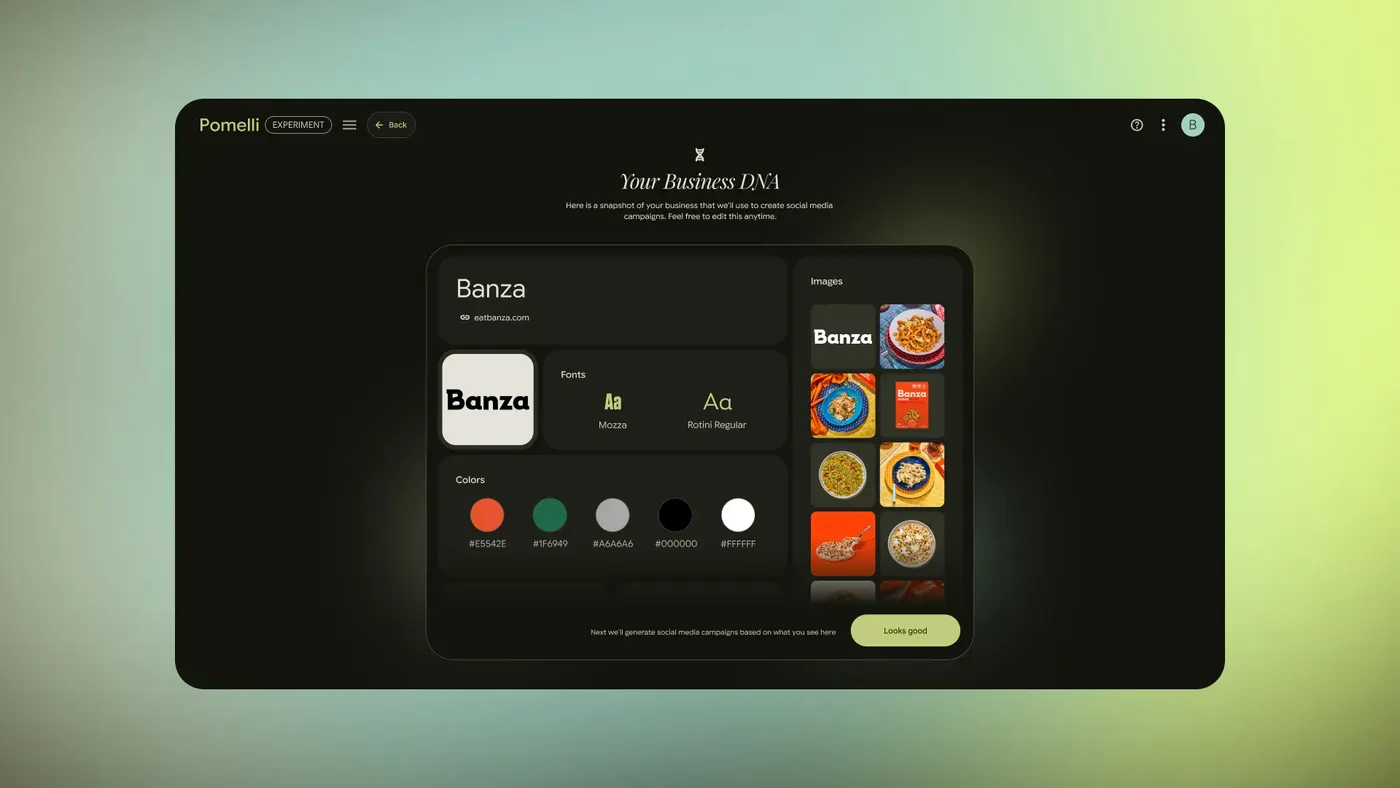
What it does: Turns your website into a Business DNA of colours, fonts, images and voice, then suggests campaigns and editable posts.
Made by: Google Labs and Google DeepMind.
Get started: Open the link, sign in with Google, paste your website URL, review the Business DNA and create a campaign.
Copy this input: https://your-shop.example
Free access as of 30/09/2026: Free Labs experiment; no guaranteed fixed quota is published.
Watch out: Available in Brazil, but the interface and generated posts are English only; 18+.
2. Gemini Notebook (ex-NotebookLM)
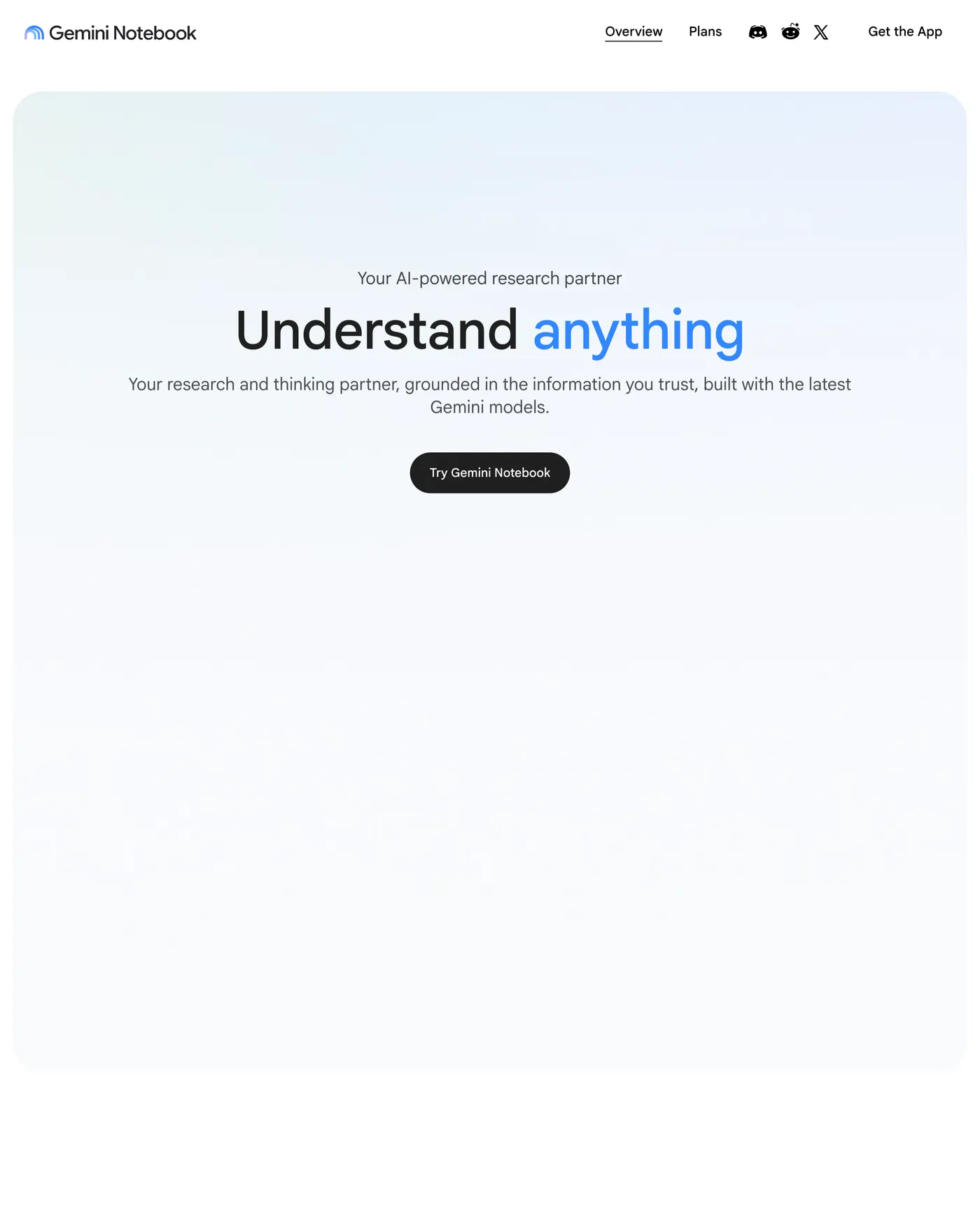
What it does: Answers questions grounded in your sources; Audio Overview turns them into a two-host AI conversation.
Made by: Google; formerly NotebookLM, renamed 16/07/2026.
Get started: Open the link, create a notebook, add a PDF, then select Audio Overview in Studio. Set Output Language for Portuguese audio.
Copy this input: Summarise the three most important points of this PDF and cite the pages.
Free access as of 30/09/2026: 50 sources per notebook; 500,000 words or 200 MB per source; 3 Audio Overviews per day.
Watch out: Check citations in the source and read the terms before uploading sensitive files.
3. Google Vids
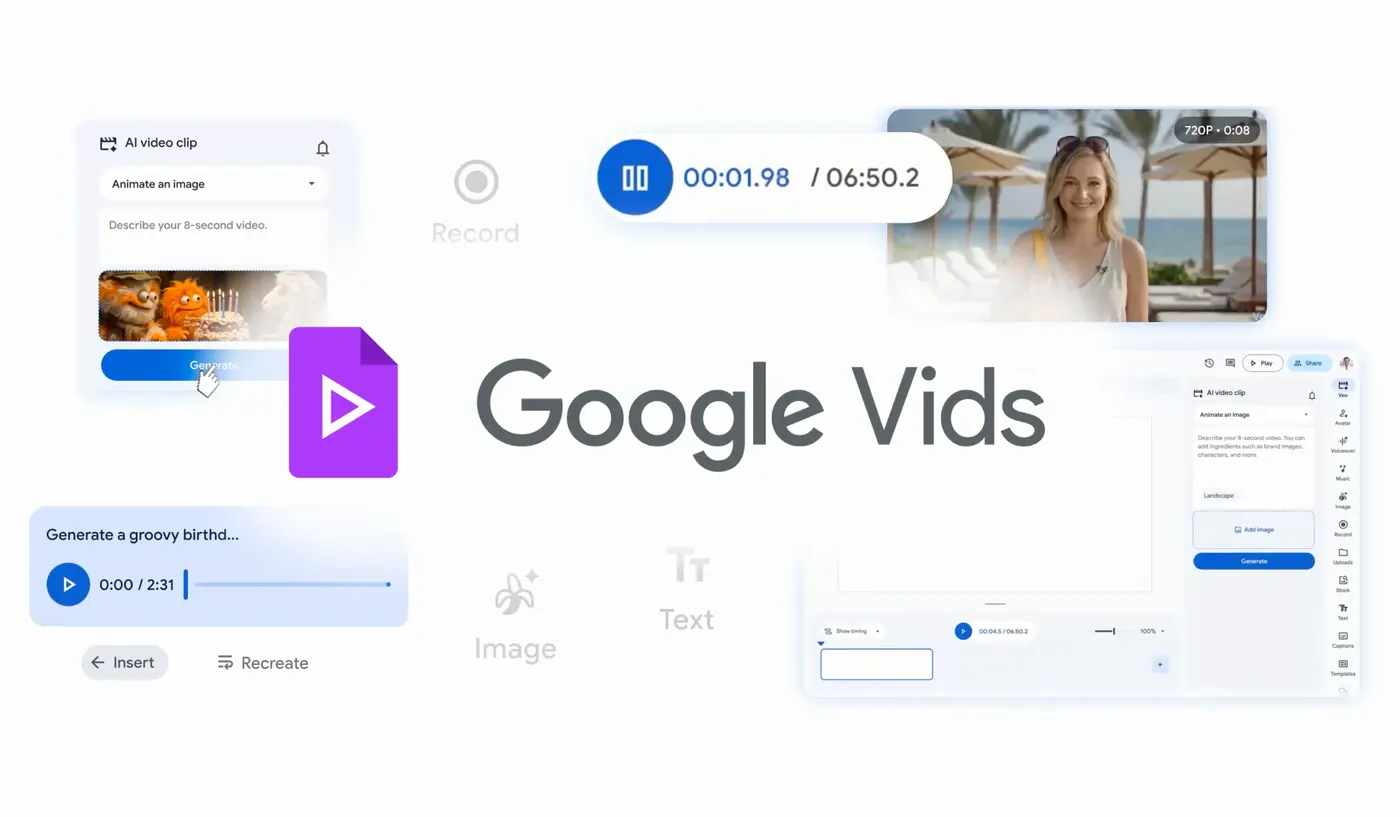
What it does: AI video editor with text-to-video clips, voiceovers and avatars.
Made by: Google Workspace.
Get started: Open the link, sign in with a personal account, create a video, find AI clip generation and describe your scene. Add the clip to the editor.
Copy this input: A coffee shop at sunrise, warm light through the window, slow camera move.
Free access as of 30/09/2026: Personal accounts: 6 AI clip and preset-avatar generations combined per month; 50 monthly credits for selected other features.
Watch out: Gemini Omni and personal avatars require a paid plan; many AI features are English only.
4. Stitch
What it does: Turns a prompt or sketch into mobile or web UI, exportable as HTML or Figma.
Made by: Google Labs.
Get started: Open the link, sign in, choose App or Web, describe a screen, review the variations and use Export for HTML or Figma.
Copy this input: Barbershop booking screen with available times and a Reserve button.
Free access as of 30/09/2026: Free Labs beta; no official generation quota to quote.
Watch out: A design starting point, not a production-ready app.
5. Opal
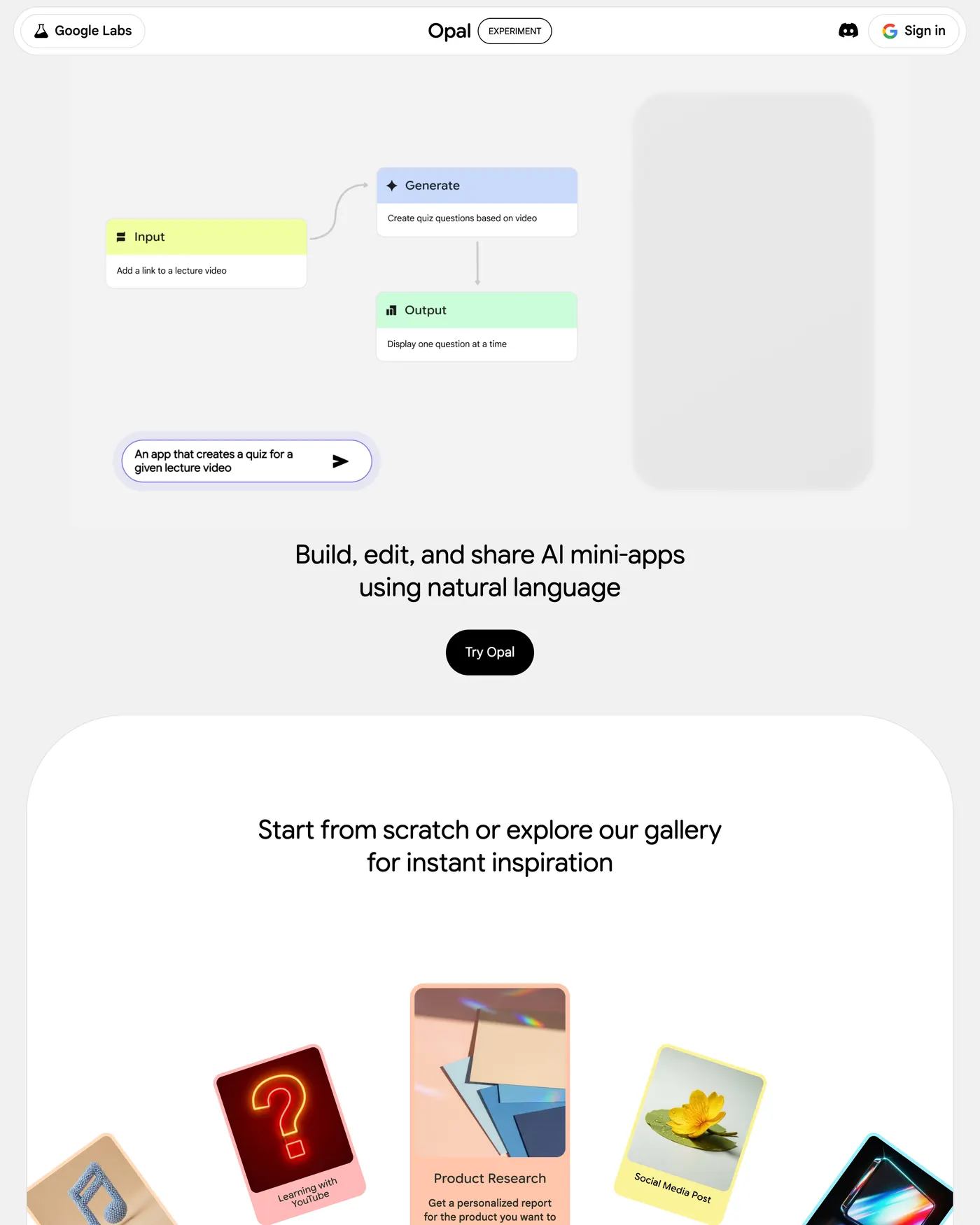
What it does: Builds shareable AI mini-apps from a description, with a visual workflow you can edit without code.
Made by: Google Labs.
Get started: Open the link, sign in, enter an app idea and inspect Input → Generate → Output. Test it before sharing.
Copy this input: An app that creates a quiz for a given lecture video
Free access as of 30/09/2026: Free Labs experiment in 160+ countries including Brazil; usage is subject to limits.
Watch out: Review requested permissions and generated output before sharing.
Ten more
6. Jules
Async coding agent: plans, edits, tests and opens GitHub PRs. Free access as of 30/09/2026: 15 tasks/day, 3 concurrent; 18+ and GitHub required. Get started: Connect GitHub, pick a repo and give it a small task.
7. Gemini app
Chat, Deep Research and images. Free access as of 30/09/2026: Free tier with variable daily quotas. Get started: Sign in and ask a concrete question.
8. Google AI Studio
Prompt playground, Build mode apps and Gemini API keys. Free access as of 30/09/2026: Free Studio access; API free tier is rate-limited by model. Get started: Try a prompt, then read Pricing before using the API.
9. Google Flow
AI film studio for Veo video and images; absorbed Whisk/ImageFX. Free access as of 30/09/2026: 50 daily credits without a subscription; free video may pause at peak times. Get started: Create a project with a short scene.
10. Google Flow Music
AI music studio for full songs. Free access as of 30/09/2026: A $0 plan with daily credit top-ups; check Pricing. Get started: Describe genre, mood and instruments.
11. Google Antigravity + CLI
Agent-first IDE and CLI for coding tasks. Free access as of 30/09/2026: $0 Individual public preview with basic weekly limits. Get started: Install it and open a test project.
12. Learn Your Way
Turns learning material into personal lessons, audio, mind maps and quizzes. Free access as of 30/09/2026: Free Labs research experiment; no published fixed quota. Get started: Sign in and add something to study.
13. AI Mode
Conversational Google Search, also in Brazilian Portuguese. Free access as of 30/09/2026: Basic use does not require a paid plan; rollout varies. Get started: Select the AI Mode tab in Search and ask a question.
14. Google Colab
Browser Python notebooks with Gemini assistance. Free access as of 30/09/2026: Colab is free; GPU/TPU are not guaranteed and free sessions can run up to 12 hours. Get started: Create a notebook and run a cell.
15. Gemini no Chrome
Ask Gemini about a page or compare tabs in Chrome. Free access as of 30/09/2026: Eligible personal account, 13+; extras may require a plan. Get started: Update Chrome, sign in and find Ask Gemini.
What left the list
Gemini CLI and Gemini Code Assist for individuals stopped serving free individual tiers on 18/06/2026; Antigravity and its CLI are the replacement. Whisk and ImageFX moved into Flow; Doppl and Mixboard shut down. Labs experiments can change or disappear.
FAQ
Is it really free?
Yes, with quotas and conditions. None of these promises unlimited use.
Do I need a paid Google AI plan?
No, not to start with the free access described here. Paid plans add features and higher limits.
Does it work in Brazil and Portuguese?
It depends. Pomelli works in Brazil but its UI and posts are English only. Many Vids AI features are English only. Gemini Notebook has Portuguese audio through Output Language; AI Mode and Gemini in Chrome list Portuguese.
Do they keep my data?
Do not assume uploads stay on your device. Read each product’s privacy notice and terms before uploading sensitive material; links below.
Why do Labs tools disappear?
They are experiments. Google may merge, reprice or discontinue them.
Privacy and terms / Privacidade e termos / Privacidad y términos
Pomelli / Google Labs · Gemini Notebook · Vids · Stitch · Opal / Labs · Jules · Gemini · AI Studio / API · Flow · Flow Music · Antigravity · Learn Your Way / Google Labs · Search AI Mode · Colab · Chrome · Google Terms.
Comments
Have a question or something to add? Join the conversation.
No account needed. Select Sign in and choose a name to comment.
Loading the conversation…
Comment privacyCommenting guidelines