

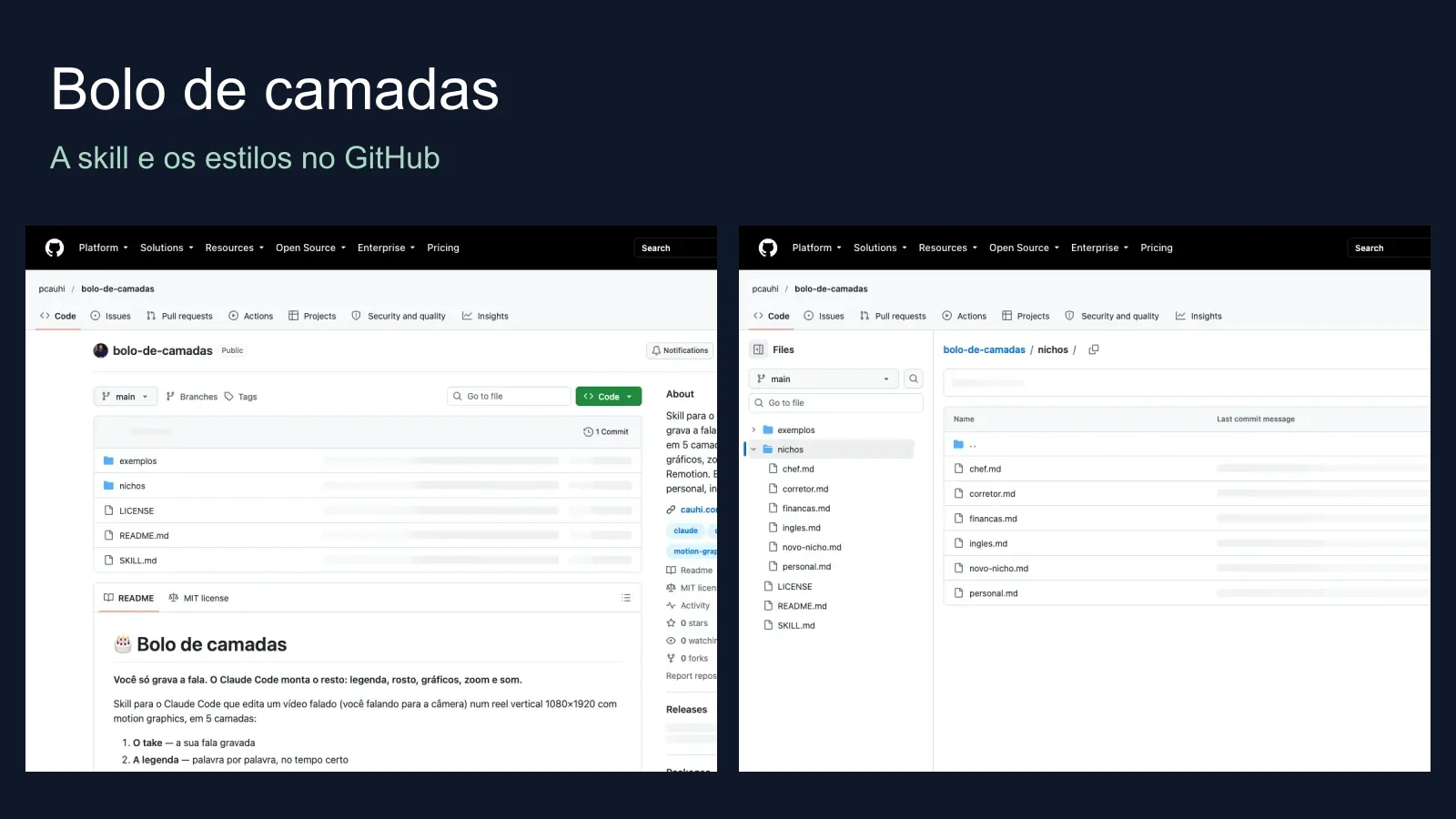

Commented NICHO? Here is the free bolo de camadas skill: a recipe for turning one recording of you speaking into a reel with timed captions, a face card, charts, zoom and sound. Claude Code follows the recipe; it is not one-click editing. Choose real estate, personal trainer, English teacher, chef or finance, then review the result yourself.
Start here: the simplest path
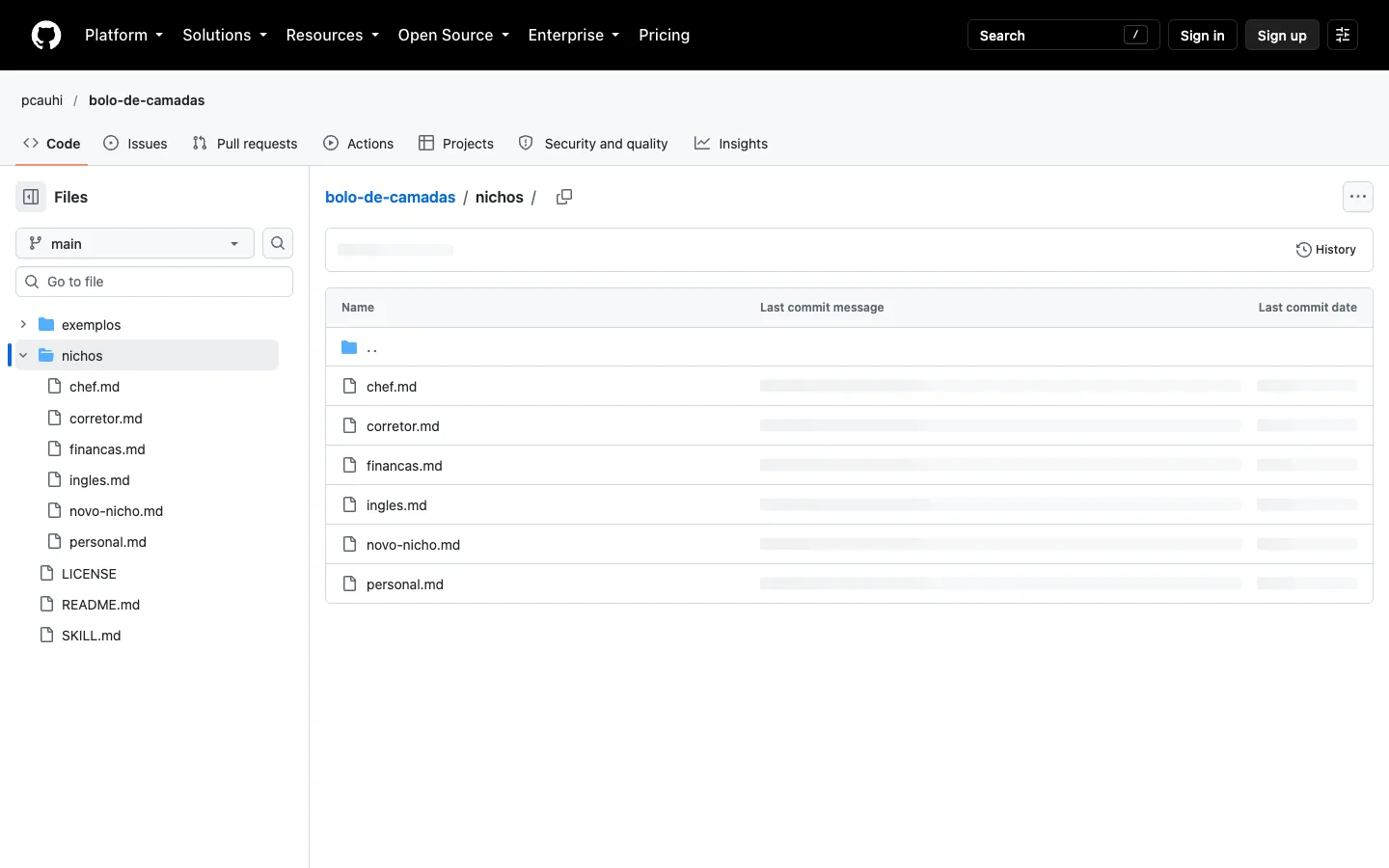
- Open the public GitHub repository. The five niche styles above are included. For any other profession use the new-niche template.
- To plan only, download the published ZIP. If Skills are available in your Claude account, upload it under Settings → Capabilities → Skills and ask for a scene plan. This does not render an MP4 in the web app or on a phone. The menu can change. Documentation-based step, not tested by us in your account.
- To render, you need a computer with Claude Code, Node.js, FFmpeg and Remotion. Record your voice and face on your phone if you like; trim the take and keep rights to every asset. Continue below for setup.
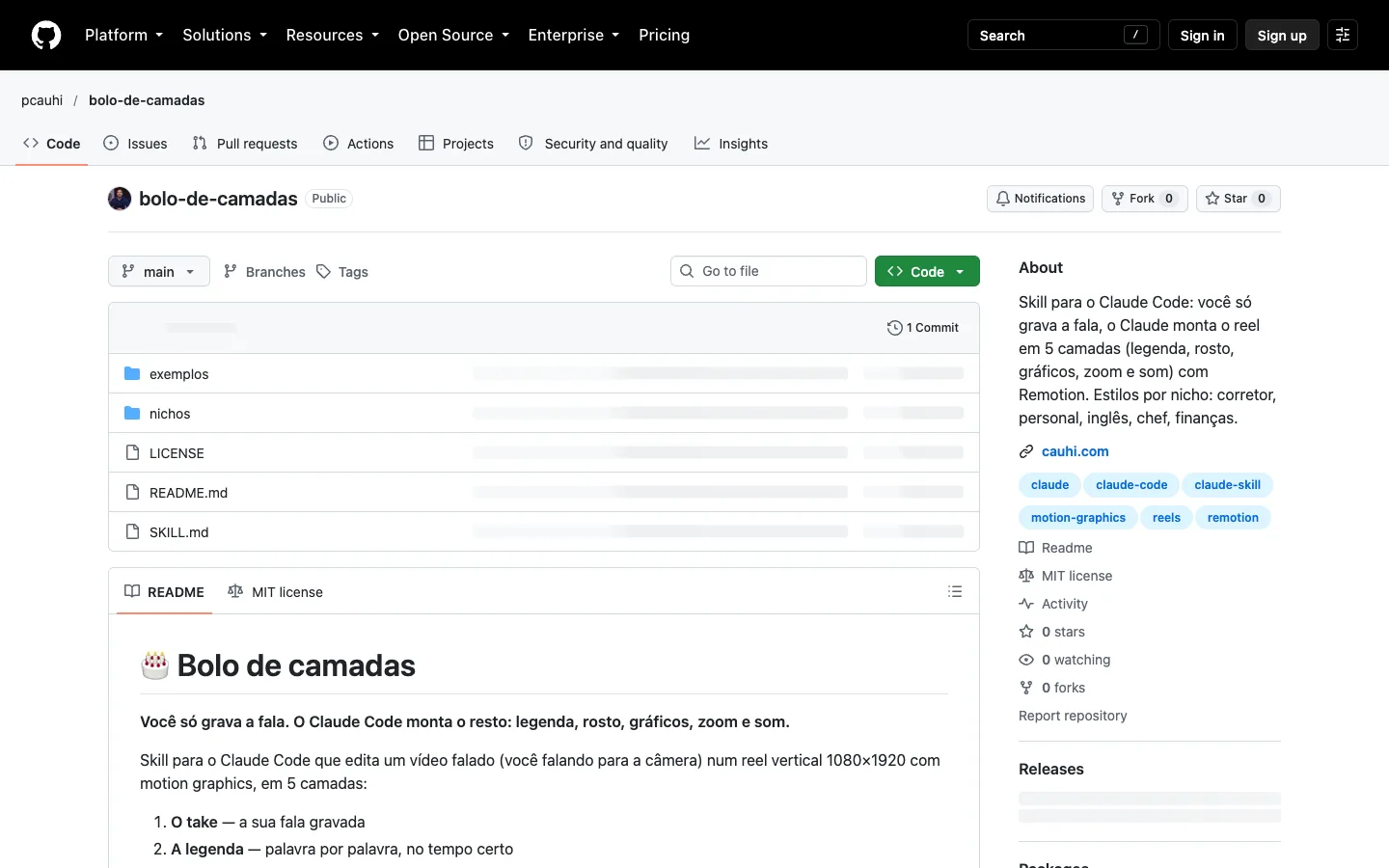
The five layers and five steps
The take is the base; timed words, a cut-out face card, explanatory graphics, zoom and sound go above it. You can ask for a faceless version with full-screen graphics instead of a face card. Check every word and every number in the graphics yourself.
- Make a fresh folder and open Claude Code inside it.
- Supply two or three reference videos you have permission to use. Ask for visual direction, not a copy.
- Direct the scene: what appears on each spoken word, which graphic moves, how the camera and cards animate. Approve the scene table first.
- Remotion uses code to draw and export frames. Inspect the preview and test frames.
- Request changes in plain language: “make it softer”, “change this color”, “that caption arrives too soon”. Review the MP4 on a phone.
Pick one of the five published niches
The public niche directory contains a file for each: real estate agent, personal trainer, English teacher, chef and finance. Tell Claude which style you chose. For any other job, use the new-niche template.
Going further
Computer setup. Read the source and README before running commands. Install Node.js, FFmpeg, Claude Code and Git. These are documentation-based steps, not tested by us on your computer or account. On macOS/Linux, install the skill:
git clone https://github.com/pcauhi/bolo-de-camadas ~/.claude/skills/bolo-de-camadasMake an empty folder. Run the interactive creator, then enter the project folder it creates. Put your recording at public/take.mp4 and start Claude Code:
mkdir my-reel && cd my-reel && npx create-video@latestcd PROJECT_NAME && claudeAsk: “Read bolo-de-camadas and nichos/corretor.md. My take is public/take.mp4. My niche is real estate. Show a timed scene table and wait for approval. No made-up numbers or unlicensed media. Show preview frames before export.” Example, not app-tested. Preview with npx remotion studio; ask the agent to check the composition ID before npx remotion render. The repository also describes a HyperFrames option; this guide follows Remotion. Inspect captions, vertical framing and media rights before posting.
FAQ and honest limits
Do I need to code? You need not write React yourself, but must set up tools, handle files, review code and correct errors.
Is it free? As of 14 October 2026, the skill is MIT-licensed and the ZIP is public. Claude Code requires paid Claude access or API usage. Remotion has a conditional license; check eligibility before commercial use. Production is not guaranteed free.
Computer or phone? You can plan and record on a phone; this workflow renders on a computer. Hardware changes render speed; no timing guarantee.
Is it safe? Read the SKILL.md before installation. Keep client data private and obtain media permissions. Speech timing, face masking and final export all need human review. There is no one-click finish.
Sources, screenshots and outstanding manual tests. Checked 14 October 2026.
Comments
Have a question or something to add? Join the conversation.
No account needed. Select Sign in and choose a name to comment.
Loading the conversation…
Comment privacyCommenting guidelines