

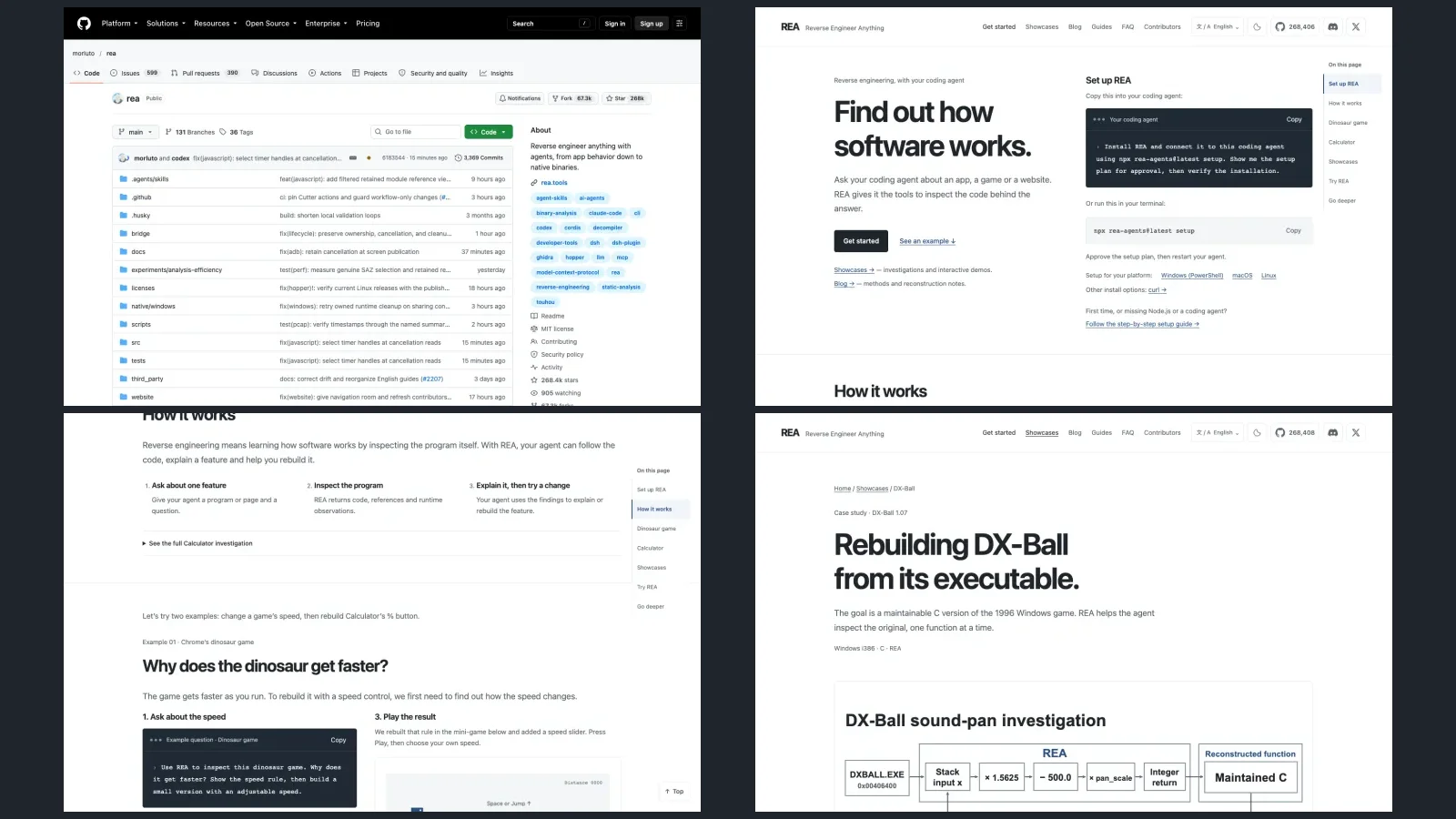

Reverse engineering means understanding how a program works by looking at the program itself, without its source code. REA (Reverse Engineer Anything) is a free, MIT-licensed tool you plug into your coding agent, such as Claude Code, Codex or Cursor. You ask "how does this feature work?", the agent uses REA to inspect the program, shows the evidence for each conclusion, and can build something similar in your own project.
First, the legal limit: use it only on software you own or are authorised to examine. The project itself refuses to help with piracy, cracks, game cheats, bypassing logins or licence checks, and copying proprietary code. This guide is about understanding a feature, not cloning anyone's app.
The install steps are based on the official documentation and WERE NOT TESTED BY US. We do not claim to have installed REA or reproduced the examples; the results quoted are the ones the project publishes.
| What it is | Detail (on 16/10/2026) |
|---|---|
| Price and licence | Free, MIT |
| GitHub stars | 268,409 (the reel says "more than 248 thousand", counted on 15/10) |
| Version | rea-agents 6.5.0 (14/10/2026) |
| Works with | Claude Code, Codex, Cursor, Gemini CLI, Grok Build and other agents |
| Needs | A computer, Node.js 22.19+, 24.11+ or 26+, and a coding agent |
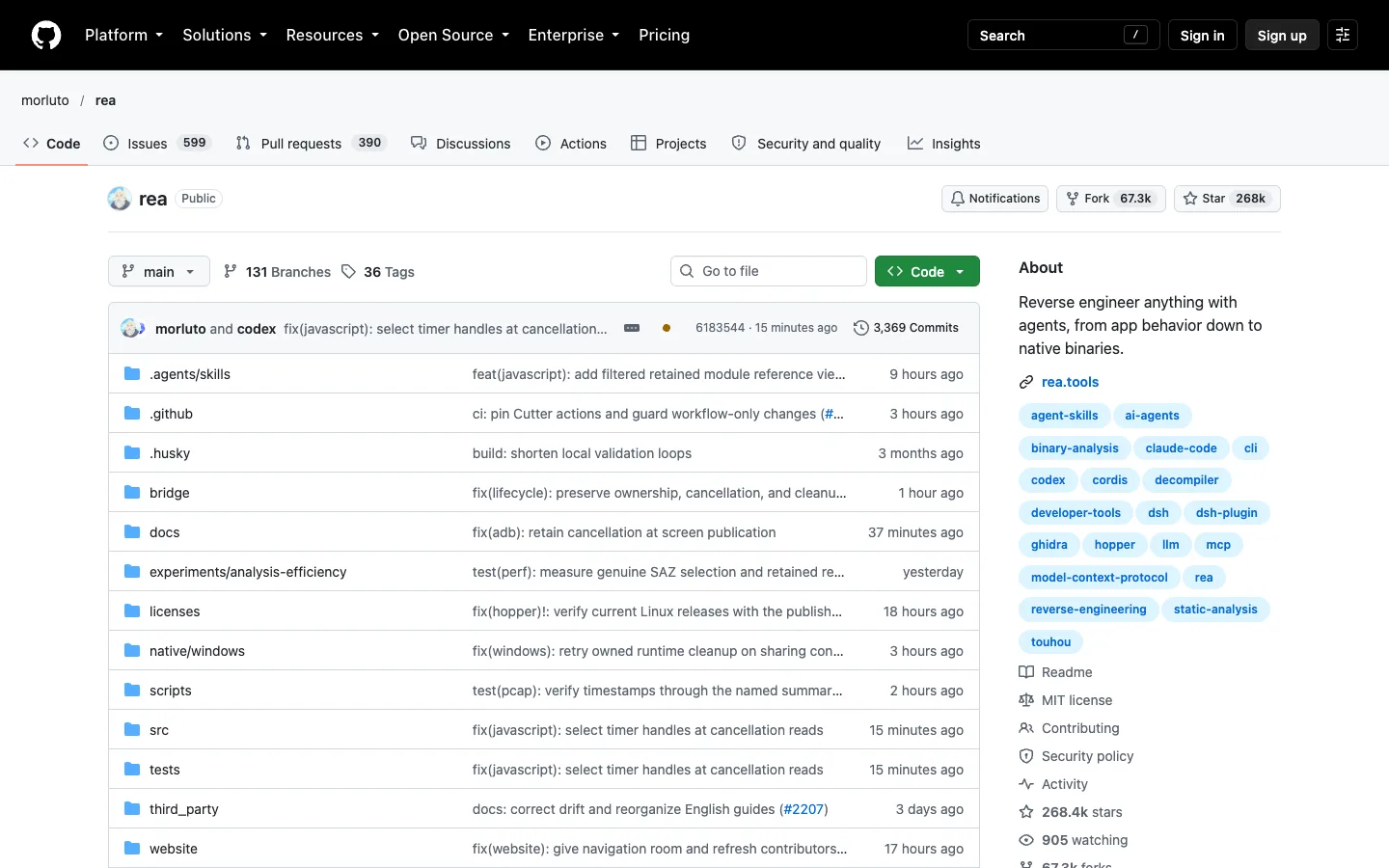
The official REA page on GitHub, captured on 16/10/2026. Not a local test.
Three words before you start
A coding agent is an AI that works on your computer, reading files and running commands with your approval, like Claude Code, Codex or Cursor. MCP is the "connector" that gives that agent new tools: REA is an MCP server. An executable (or binary) is the finished program, the file you open, without the source code that produced it.
Check that your computer has Node.js
REA is installed with npx, which comes with Node.js.
- Open the Terminal. On a Mac: Command + Space, type Terminal and press Enter. On Windows, open PowerShell.
- Paste the command below and press Enter:
node -v
- If you see v22.19 or later (or v24.11+, or v26+), carry on. If you get an error or an older version, install the LTS version from nodejs.org and open a new Terminal.
You also need a coding agent that is already installed and working, such as Claude Code, Codex or Cursor.
Connect REA to your agent
The simplest way: ask the agent to install it. The official site suggests pasting this request into your agent:
Install REA and connect it to this coding agent using npx rea-agents@latest setup. Show me the setup plan for approval, then verify the installation.
Or from the Terminal, with one command:
npx rea-agents@latest setup
- The installer shows what it will change. Read the plan before you approve it: it registers REA in the agents you choose.
- Choose your agents and approve.
- Close and reopen the agent. Without a restart it doesn't see the new tools.
- To check, ask the agent: "which REA tools do you have available?"
Honest limits: the install changes your agents' configuration. If something goes wrong, keep the error message and check the installation docs, which list the 24 supported agents.
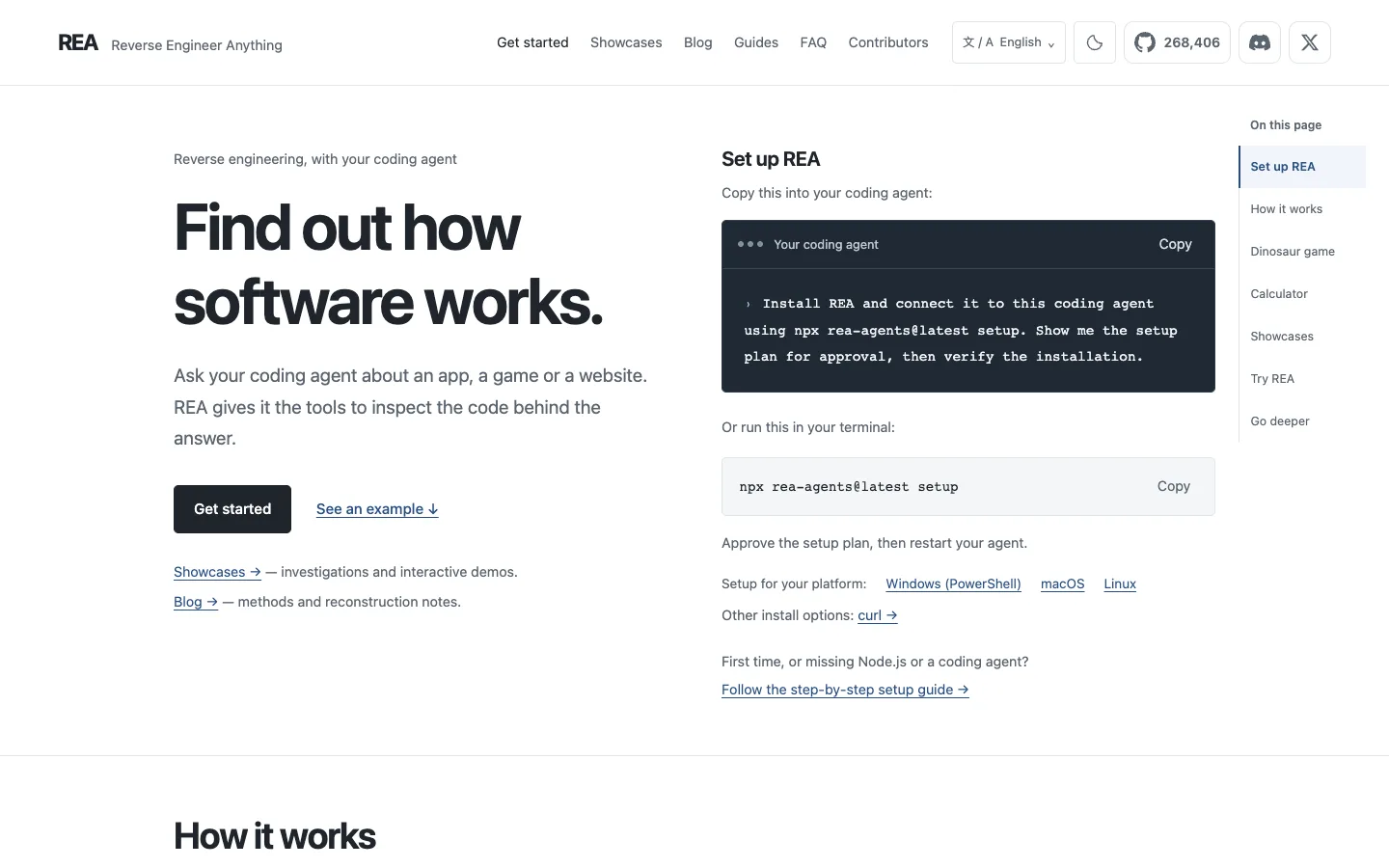
The official rea.tools page with the "Set up REA" step, captured on 16/10/2026. Not a local test.
First test: the Chrome dinosaur
It's the reel's example and the first official example on rea.tools. The target the project used is the browser version of the game derived from Chromium (wayou/t-rex-runner), not the dinosaur inside the Chrome app.
Ask your agent:
Use REA to inspect this dinosaur game. Why does it get faster? Show the speed rule, then build a small version with an adjustable speed.
What the project shows as the result: speed starts at 6, goes up 0.001 every update without a collision and stops rising at 13. In the game's code: SPEED: 6, ACCELERATION: 0.001, MAX_SPEED: 13. The published check: after 4,000 updates the speed was 10.0; after 10,000 it was 13.0. With that rule they built a mini-game with a speed slider.
Honest limits: the mini-game is a small teaching implementation of the rule (drawing, jumping and collisions are basic), not a copy of the original game. Your conversation may turn out differently: check that the agent shows where each number came from.
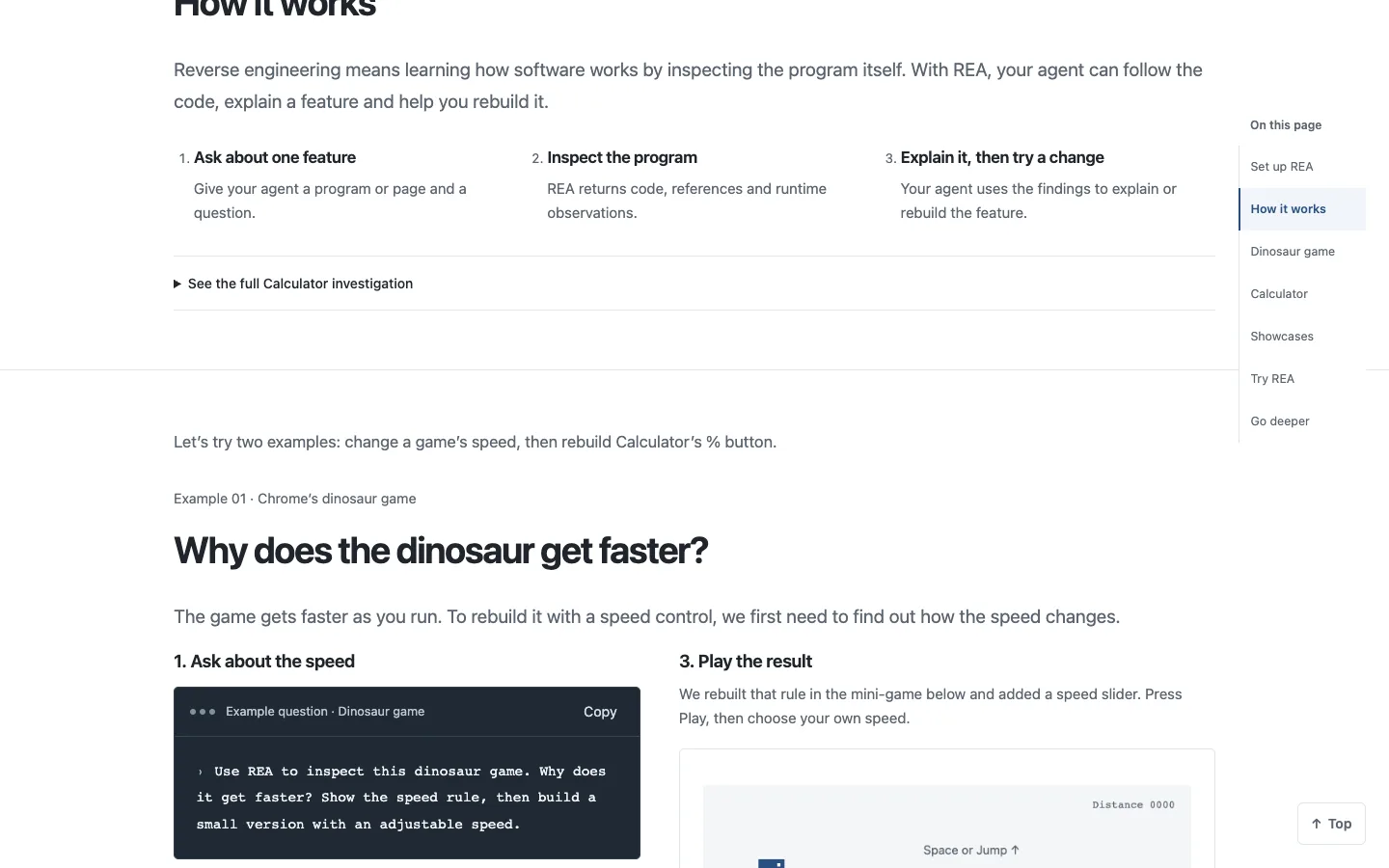
The official dinosaur example on rea.tools, captured on 16/10/2026. Not a local test.
Use it on a feature of your own program
Now swap the dinosaur for something you want to understand, in a program you own or are authorised to examine. The README's request pattern is: understand a feature, show the evidence and build something similar in your project.
Use REA to understand how [the feature] works in [the program]. Show me the evidence for each conclusion, then build a similar feature in my project.
- Be specific: "the search", "the percent button", "copy and paste", not "the whole app".
- Ask for the evidence: a code excerpt, an address or an observed behaviour. Be wary of conclusions without proof.
- Review whatever the agent builds before you use it, like any new code.
Honest limits: AI models sometimes refuse reverse-engineering requests. Explain the goal (understanding a feature in software you own or may analyse). REA analyses locally, but your agent's model provider receives the tool results: don't analyse anything confidential you wouldn't send to that provider.
Native programs: Ghidra, Hopper or IDA
For native executables (a Windows .exe, a Mac app), deep analysis needs one of these programs: Hopper, Ghidra or IDA. The REA installer can install Hopper after your approval; Ghidra and IDA use the install you already have. Ghidra is free.
JavaScript/Electron apps, .NET and websites do not need them. REA also lists Android APKs, Flutter, firmware, SQLite and network captures.
Honest limits: IDA and Hopper are commercial: use licensed copies only. The project does not authorise cracked copies.
What the official examples really show
- Windows Calculator: why
200 + 10%gives 220. After a +, % takes a percentage of the first number. - Notion: the copy-and-paste path inside the Electron app, step by step, with the code excerpt for each stage.
- DX-Ball (a 1996 game): in the reel I say the AI "rebuilt the game" and that the new version "passed more than 3,000 tests against the original". The precise version: it's a community project rebuilding the game in C one function at a time, straight from the executable. On 07/10/2026 it had 55 functions, 45,380 comparisons with the original code and 33 functions with identical compiled bytes. The 3,205 tests cover a single function, the sound (pan) calculation, compared with the original at every position. The complete, playable game is still in progress.
- TH04 (PC-98): the angle calculation of a ring of bullets, compared with the period compiler's output.
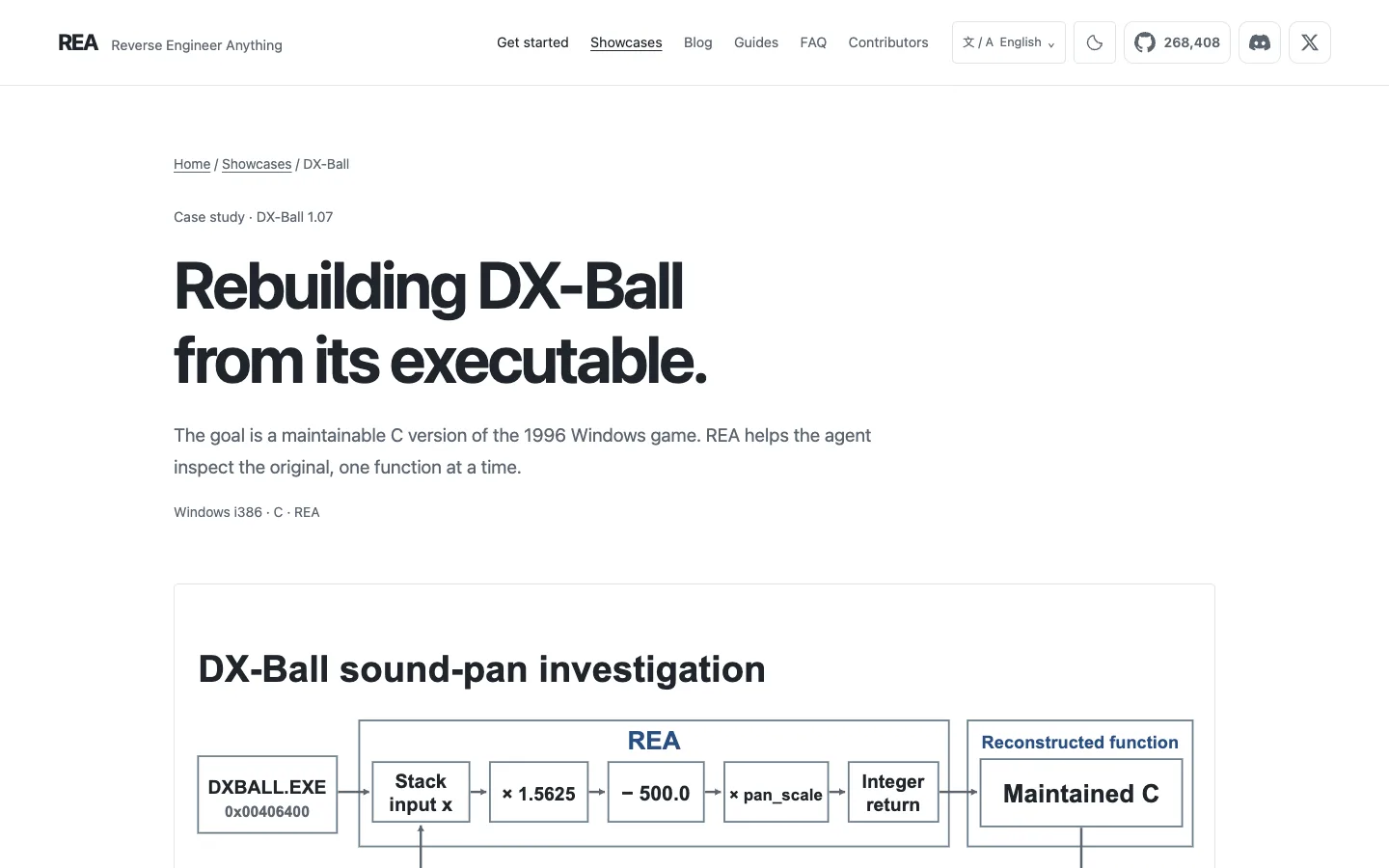
The official DX-Ball case page on rea.tools, captured on 16/10/2026. Not a local test.
Going further
Optional. Commands based on the documentation — NOT TESTED BY US. One command per block; wait for each to finish.
Install the rea command system-wide:
npm install --global rea-agents
See the options:
rea --help
Update later:
rea update
Download the browser version of the dinosaur game used in the official example (needs Git):
git clone https://github.com/wayou/t-rex-runner.git
Code, MIT licence and the full list of agents: morluto/rea. Examples: rea.tools/showcase.
Quick questions
Do I need to know how to code?
Not to install it: it's one or two commands. To get the most out of it, it helps: REA works inside a coding agent, and the result is usually code to review.
Is it free?
REA is free (MIT). Your agent (Claude Code, Codex, Cursor…) may have its own cost, and IDA and Hopper are paid. Ghidra is free.
Does it work on a phone?
No. It runs on a computer, inside a coding agent.
Does my data leave my computer?
REA's analysis runs on your computer, but the agent sends the results to its AI model provider. So "nothing leaves your computer" is not true.
Can I copy a big app and get rich?
No. Besides being against the project's rules to copy proprietary code, a big app's value isn't only in its buttons: it's in the people who already use it, the companies that depend on it and everything that already works with it. Use REA to understand how something works and build your own version of a feature.
My agent refused. Now what?
Explain the goal: understanding a feature in software you own or are authorised to examine. If it still refuses, don't try to trick the model.
Comments
Have a question or something to add? Join the conversation.
No account needed. Select Sign in and choose a name to comment.
Loading the conversation…
Comment privacyCommenting guidelines