3 lessons · Beginner · 52 min
Your first OpenClaw setup
From a fresh installation to an agent you can message. Install OpenClaw, connect Telegram, and learn what its permissions actually control.
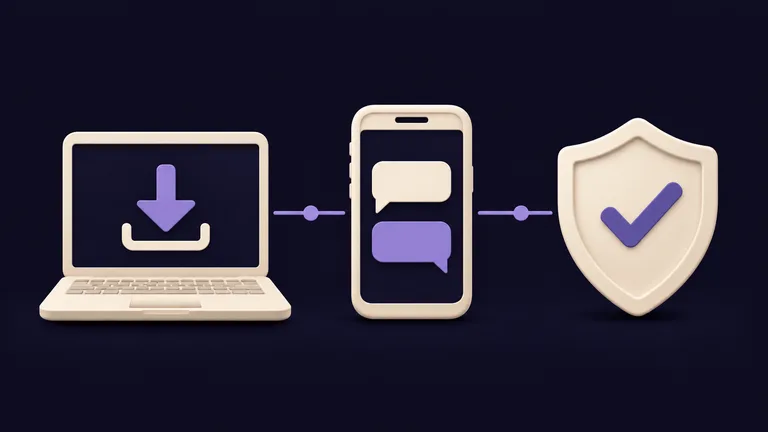
What you will be able to do
- Install OpenClaw and get a real reply in its dashboard.
- Connect a Telegram bot and approve your own account.
- Review access and command permissions before delegating a task.
Who this is for
For a personal setup on macOS, Windows, or Linux. You will need a computer, a supported model connection, and a Telegram account for lesson two. Cloud model usage may cost extra.
Your lessons
25 min
Install and run OpenClaw
Set up your own AI agent, connect a provider, and get your first reply. A practical guide from installation to a working chat.
15 min
Connect your first channel
Set up a Telegram bot, approve your account, and verify a reply on your phone. Includes paths for Discord and WhatsApp.
12 min
Permissions and your first task
Inspect access, set a deliberate command policy, and check the result of a small task against its activity.