
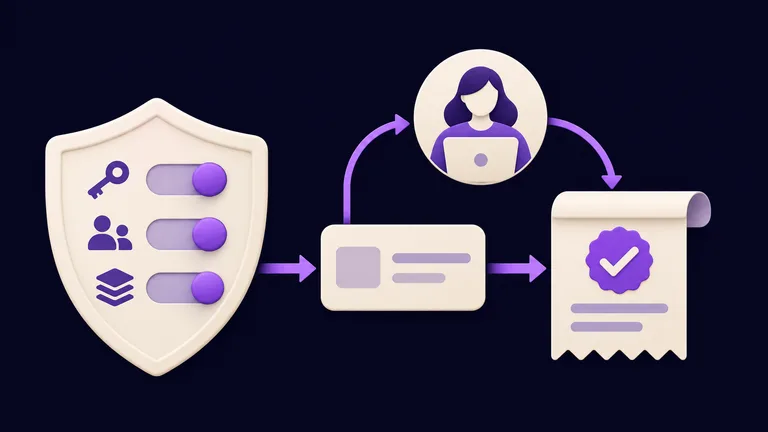
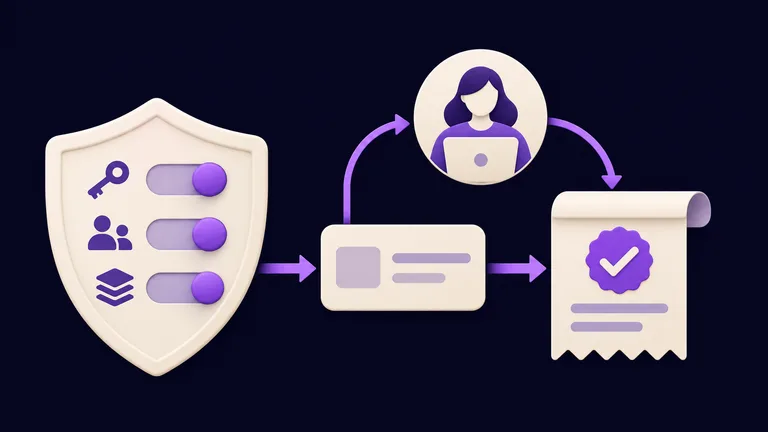
Your agent can reply. Now check what it is allowed to do, then give it a small task whose result you can inspect. A chat reply does not prove that approvals are configured.
Use your own personal installation and run these commands on the Gateway host. If you manage a shared installation, have its operator review the policy change.
Inspect before you delegate
Open the dashboard and run the configuration audit:
openclaw dashboard
openclaw security audit
Review findings about access, exposed services, and tools before adding private data. The audit inspects configuration; it cannot certify that every future request is safe. Security reference.
Separate three questions:
| Control | What it decides |
|---|---|
| Channel access | Who can talk to the agent? |
| Tool permissions | Which capabilities can it use? |
| Execution approvals | When can a host command run? |
Local hosting does not make a cloud model local. The model provider you selected may receive conversation content.
Set a deliberate execution policy
For a personal beginner setup, the cautious preset uses a command allowlist, asks about commands outside it, and denies when a required approval cannot be obtained. It changes the local host policy. Run it on the machine that executes the commands, not just on a laptop connected to a remote server.
openclaw exec-policy preset cautious
openclaw exec-policy show
Inspect the reported effective policy. If your Gateway runs as an installed service, reload it with openclaw gateway restart; for a foreground process, stop and start it again.
This governs host command execution. It is not an approval gate for every file tool, plugin, or message. Review those permissions separately. Execution policy · Local and remote policy scope.
Start with an inspectable task
Paste this fictional task into the dashboard or your paired Telegram conversation:
Turn these notes into a three-item checklist. Use only this message; do not use tools or change files.
Notes: choose a lesson, complete its exercise, record one question.
Return the checklist and say whether you used any tools.
Compare the reply with your notes, then inspect the session’s tool activity. Do not rely only on the agent saying it used no tools.
When you later request a terminal action, inspect the command, working directory, and approval result before proceeding. An allowlisted command may run without another prompt. A denied or failed action should remain incomplete; it should not be described as finished.
For this first task, you should see three relevant checklist items and no tool activity. If the result differs, resolve that before widening access.
Comments
Have a question or something to add? Join the conversation.
No account needed. Select Sign in and choose a name to comment.
Loading the conversation…
Comment privacyCommenting guidelines