


Commented AGENTE? Here is the comparison and a practical starting path. Dots manages ongoing work in ChatGPT; Muse handles personal errands, including through WhatsApp, but launched only in the US; Grok Bot lets you create a team of named helpers. All three can continue work in the cloud after you close the app. In Brazil, Dots and Grok Bot are the documented options; Muse has not officially launched there. Availability and prices checked on 8 October 2026; Dots access is rolling out gradually.
Start here, even if you cannot code
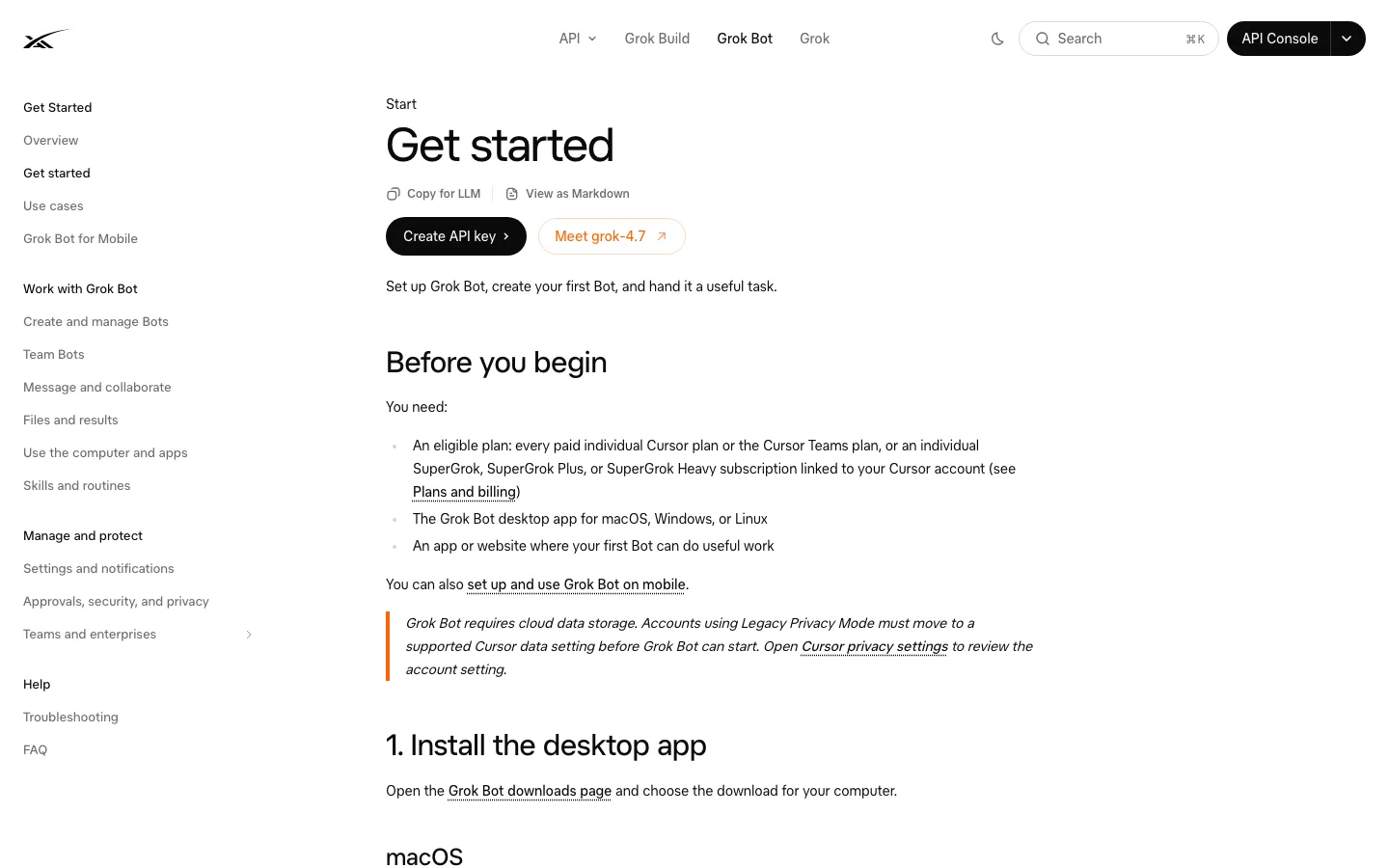
Want to try without subscribing? Open the official Grok Bot website, get the app for your computer or phone, and sign in with Cursor. Check the free trial usage credit on the plan screen. It expires after at most seven days but can run out sooner depending on agent work. This credit trial never becomes a subscription automatically. An Apple introductory subscription offer is different and may renew at a charge: read its terms before accepting. Continued access can come from Cursor Pro or a linked individual SuperGrok account; you do not need both. The reel mentioned R$149.90/month for SuperGrok, but we could not reconfirm that amount on the public Brazilian App Store listing on 8 October 2026. Check the checkout price before subscribing.
- Create one Bot called “Support” and give it just one job. For a low-risk first test, attach a document without personal information and copy the example below. Not tested by us; verify the answer.
- Later, connect your store tools only when you understand the permissions. Ask for reply drafts, never automatic refunds or messages. Individual sites may block automation.
Read this document and summarize it in five bullets. List open questions separately and cite the page for each claim. Do not modify files, send messages, make purchases or issue refunds. If a site asks for login, stop and ask me to take over.Already on ChatGPT Pro? On ChatGPT desktop web or the desktop app, find Dots, create a dot, and give it an ongoing goal such as tracking thesis deadlines or a product launch. Review its activity and permissions before connecting email or calendars. Creation is desktop-only; mobile app chat may follow once enabled on your account. One dot is included with an eligible Pro subscription, not with Plus or Go. The Brazil App Store listed ChatGPT Pro 100 at R$524.90/month on 8 October 2026. Rollout may take days, so do not subscribe expecting instant access.
Track the deadlines in the thesis plan I provide. Every week compare the plan with completed work and prepare a draft catch-up plan. Do not send messages or change files without my approval.Interested in Muse? Read Meta's public announcement. It says the launch is in the US, not Brazil. Do not rely on a VPN or foreign account as a workaround. Wait for an official local launch before connecting WhatsApp or payment details.
Comparison: which fits your work?
| Dots | Muse | Grok Bot | |
|---|---|---|---|
| Best fit | Ongoing project inside ChatGPT | Personal errands, travel and purchases | Several Bots with different roles |
| Brazil on 8 Oct 2026 | Eligible on Pro, gradual rollout | US launch only | App and eligible plans; check your account |
| Entry cost | Pro 100 R$524.90/month in Brazil App Store | Free with limits in eligible markets; Power US$20/month, Max US$100/month | Trial credit with a seven-day window; then Cursor Pro US$20/month or SuperGrok US$30/month on official sites. BR checkout prices vary |
| Privacy | Separate cloud computer; you choose connected apps | Meta describes an isolated VM, Sentinel and sensitive-action approvals | Bots on one account share a cloud computer, files, sessions and logins |
| Main limit | Desktop-only creation, quotas and approvals | No official Brazil launch | Weekly allowances, potential on-demand charges, websites may block automation |
One-line decision: already pay for Pro? Try Dots. Want to test several roles with no coding? Try Grok Bot's credit. Need Muse over WhatsApp? Wait for Brazil availability. None guarantees accurate or completed work.
Going further
Steps from vendor documentation, not tested by us. These three services are proprietary. There is no official GitHub installation repository for Dots, Muse or Grok Bot; avoid unofficial clones. Read Dots setup, Grok Bot installation and options, plans and billing, and security controls. GitHub link: none provided by the vendors for installing these products.
- Dots: create and name it on desktop; connect only needed apps. Configure Custom rules to act independently, act if pre-approved, ask, or hand back to you. Review In progress, Scheduled and Completed; pause in its profile. Reset deletes conversations, memories and scheduled tasks. Local-computer access is optional and off by default.
- Grok Bot: choose the official macOS (Apple silicon/Intel), Windows (x64/Arm64), Linux (.deb/.rpm/AppImage), iOS or Android download. Sign in with Cursor; link an eligible individual SuperGrok account if applicable. Name each Bot, set one role and clear constraints. Check Settings → Usage & Billing, weekly quota and on-demand limit. Take over for credentials yourself. All Bots on your account share the signed-in computer. Only schedule a routine after reviewing a trial run.
- Muse: there is no documented Brazilian setup. Where eligible, Meta describes iOS, Android and muse.ai, configurable permissions and approvals before sending email or making purchases. Its official subscription help lists a limited free tier, Power US$20/month and Max US$100/month; these are not Brazilian offers.
Quick FAQ and honest limits
Do I need to code? No. An app and plain-language instructions are enough. You still need to check permissions, evidence and consequential decisions.
Is it free? Dots requires eligible paid Pro or business access. Muse is limited-free only where available. Grok Bot offers a metered trial credit within a seven-day window, not unlimited access. Plans and overage charges vary.
Will it work on my computer or phone? Create Dots on desktop, then use the mobile app if access is enabled; not mobile web. Grok Bot documents macOS, Windows, Linux, iOS and Android, with work running in the cloud. Muse launched in the US on mobile and web; do not assume Brazil access.
Is it safe? Never send passwords in chat. Use official login flows, minimal permissions and approvals for messages, purchases and refunds. Review work and spending. Vendor security features are not a guarantee against mistakes.
What can fail? Access rollout, quotas, blocked sites, wrong answers and real-world side effects. These sample requests were not tested in live accounts. Sources and manual tests pending.
Comments
Have a question or something to add? Join the conversation.
No account needed. Select Sign in and choose a name to comment.
Loading the conversation…
Comment privacyCommenting guidelines