


Every AI-built site looks the same: Inter everywhere, a purple-to-blue gradient, cards inside cards, an icon in a rounded square above every heading. That happens because the models learned from the same templates. This guide installs three design skills that teach your agent taste, and two MCP servers that let it read your Figma file and open its own site in a browser to test it and take screenshots. It all works in Claude Code, Codex and Cursor, and it is all open source or has a free plan.
Before you start
- A coding agent: Claude Code, Codex or Cursor.
- Node.js 18 or newer, for
npx. Check withnode --version. - A project folder open in your terminal. Skills install per project unless you ask for a global install.
- A Figma account, if you want the Figma MCP. The remote server works on every plan, including the free one.
Skills and MCPs, in plain words
A skill is a manual. It is a folder with a SKILL.md file written by someone experienced, telling the agent what to do and what to avoid. The agent reads it when your request matches it, or when you call the skill by name. No server, no API key.
An MCP is a tool. It is a small server that gives the agent new hands: read a Figma file, open a browser, click, take a screenshot. The skill says how to do it well; the MCP lets the agent do it.
Emil Kowalski's skills: motion and polish
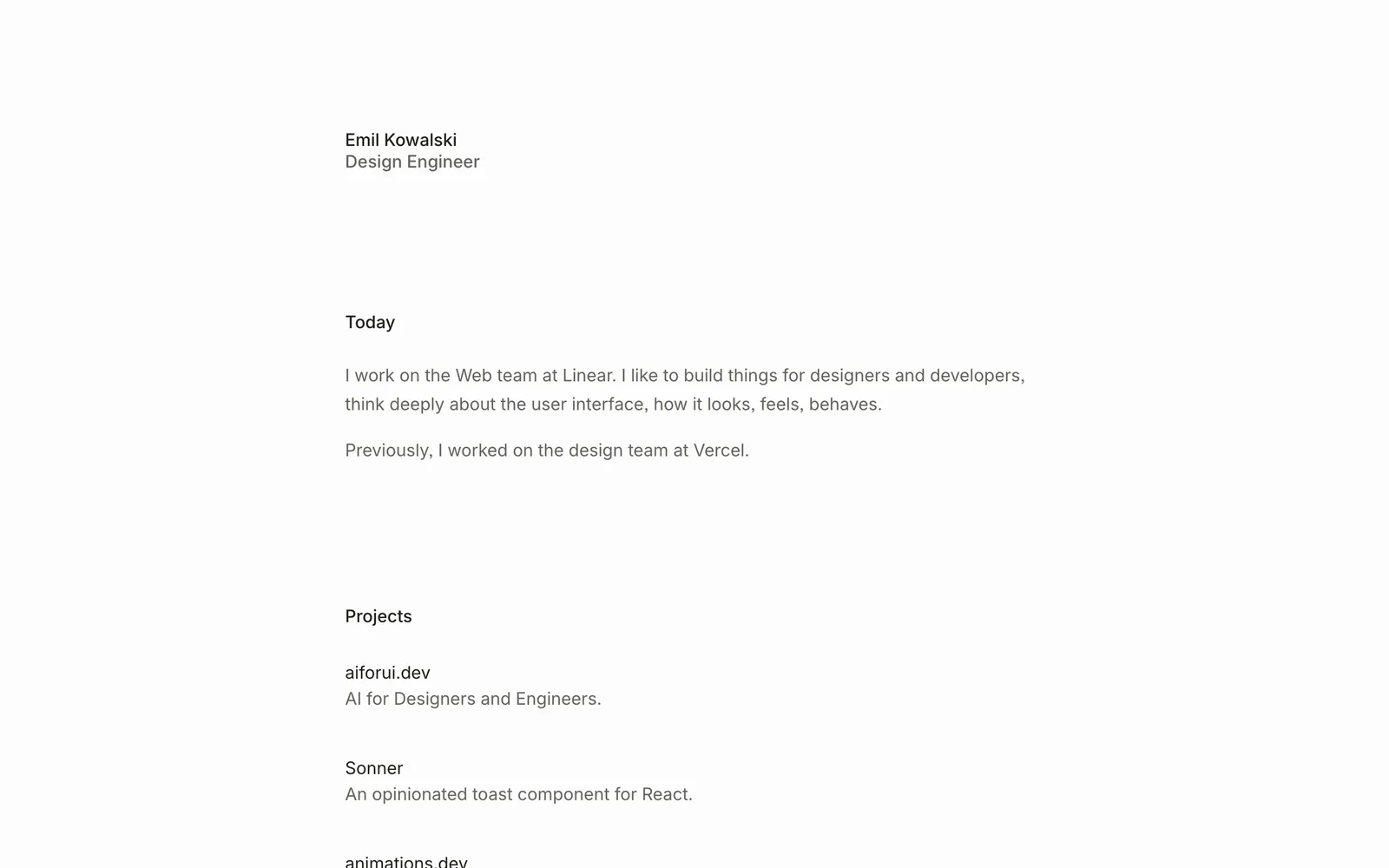
Emil Kowalski is a design engineer on the Web team at Linear, previously on the design team at Vercel, and built Sonner and Vaul, the React toast and drawer libraries. His skills are what he fixes when he reviews an interface: for example, the agent uses ease-in on an enter animation when it should be ease-out, or a solid border where a semi-transparent shadow belongs.
The main one is emil-design-eng (mostly animation, with design advice). The pack includes others, such as animate, review-animations, improve-animations, apple-design, prototype, mobile-native and pick-ui-library.
In your project folder, run:
npx skills@latest add emilkowalski/skillsThe installer lists the skills in the pack and asks which ones you want and for which agents. To skip the agent question and install straight into Claude Code, Codex and Cursor:
npx skills@latest add emilkowalski/skills -a claude-code -a codex -a cursorAdd -g to install for all your projects. Restart your agent after installing.
First use. In a project that already has some animation, ask: "Use the review-animations skill and review the animations on this page." To build one from scratch: "Use the animate skill to animate this modal opening."
Impeccable: a design vocabulary for your agent
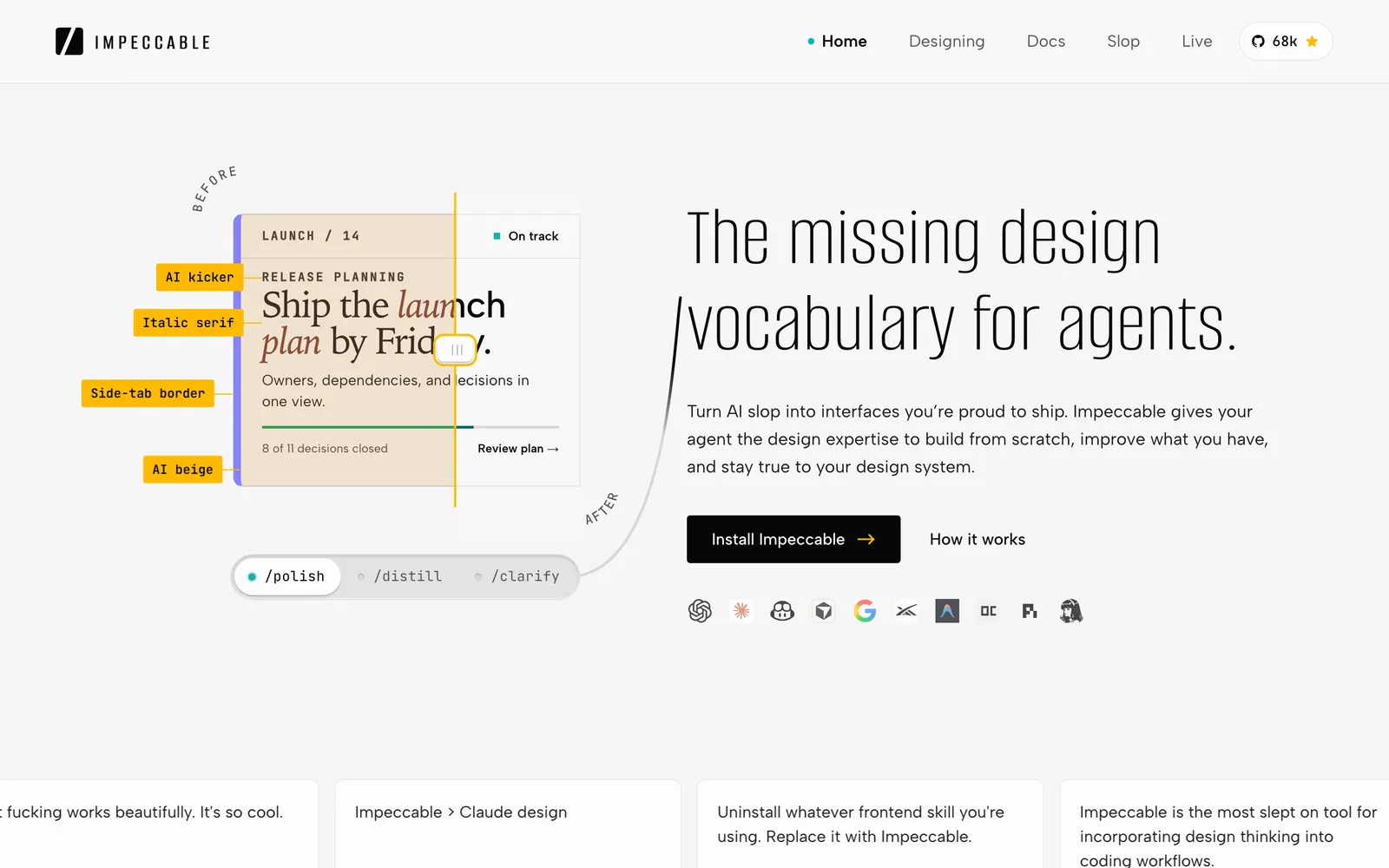
Impeccable is by Paul Bakaus, creator of jQuery UI, who worked on Chrome DevTools, AMP and Web Stories at Google. It is a single skill with 24 commands that become a shared vocabulary between you and the agent, and 61 rules that catch the tells of AI-made sites without using any model: Inter everywhere, purple-to-blue gradients, cards inside cards, gray text on coloured backgrounds, the rounded-square icon tile above every heading.
From your project root, run:
npx impeccable installThe installer detects the agents you have (Claude Code, Codex, Cursor and others), lets you adjust the list and asks whether to install into the project or globally. To decide up front, pass --providers=claude,codex,cursor and --scope=project. It also offers to install a hook that runs the detector whenever the agent edits a UI file. Restart your agent afterwards.
Then, inside the agent, run this once per project:
/impeccable initinit inspects the project, asks only for what is missing (audience, purpose, voice) and writes it to a PRODUCT.md that every other command reads. In Codex you call the skill with $impeccable instead of /impeccable (for example $impeccable init), and you need to open /hooks and approve the project hook after installing.
The commands you will use most:
/impeccable critiqueruns a UX review: hierarchy, clarity, impact./impeccable auditruns the technical checks: accessibility, performance, responsive./impeccable polishis the final pass before shipping./impeccable bolderand/impeccable quieterpush the design louder or calmer./impeccable typesetand/impeccable layoutfix fonts, spacing and rhythm.
You can also just describe what you want: /impeccable redo this hero section. And with no agent at all, npx impeccable detect src/ (or a URL) lists the problems in your interface.
In Claude Code you can also install it as a plugin: /plugin marketplace add pbakaus/impeccable, then install it from the /plugin list.
Taste: good taste from the first prompt
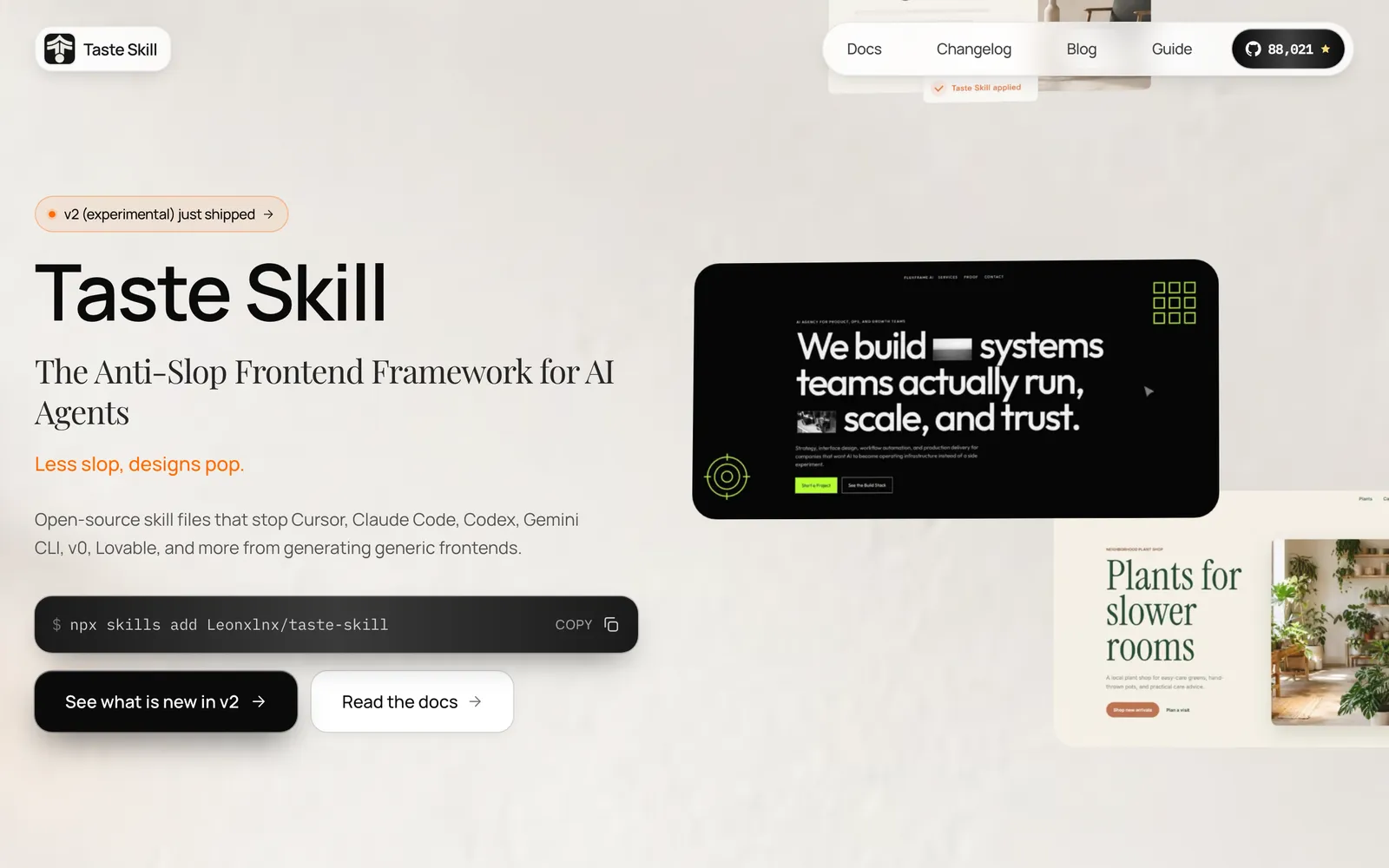
Taste Skill, by Leon Lin, describes itself as a skill that gives your AI good taste and stops it generating the same generic output. It reads your brief, infers the visual language and tunes three 1–10 dials at the top of the file: DESIGN_VARIANCE (how adventurous the layout is), MOTION_INTENSITY (how much animation) and VISUAL_DENSITY (how much information per screen).
Install it:
npx skills add Leonxlnx/taste-skillThe pack has several skills; the installer asks which you want. To install only the main one:
npx skills add Leonxlnx/taste-skill --skill "design-taste-frontend"The same -a claude-code -a codex -a cursor from step 1 works here. Other skills in the pack worth knowing: gpt-taste (stricter rules, aimed at GPT and Codex), redesign-existing-projects (to improve a site that already exists), and ready-made styles such as minimalist-ui, high-end-visual-design and industrial-brutalist-ui.
First use. "Use the design-taste-frontend skill and build a landing page for an artisan bakery." Compare it with what your agent made before.
Watch out for copies. There are repositories with similar names. The original is github.com/Leonxlnx/taste-skill, with the site tasteskill.dev.
Figma MCP: your agent reads the design
Figma's official MCP server lets the agent read a frame (components, variables, layout) and turn it into code, and also write back into Figma. Use the remote server: it works on every plan, including the free one, and does not need the desktop app. The desktop server needs a Dev or Full seat on a paid plan.
Claude Code. Figma recommends the official plugin:
claude plugin install figma@claude-plugins-officialRestart Claude Code, type /plugin, go to the Installed tab, pick figma, press Enter to authenticate and click Allow access in the browser. Prefer to set it up by hand? Run claude mcp add --scope user --transport http figma https://mcp.figma.com/mcp, open /mcp, pick figma and Authenticate.
Codex. In the Codex app, click Plugins in the top-left corner, then the + next to Figma, then Install Figma, and authorise. From the command line:
codex mcp add figma --url https://mcp.figma.com/mcpCursor. In the agent chat, type:
/add-plugin figmaClick Add Plugin, open Cursor Settings → Tools & MCP and click Connect next to Figma.
First use. In Figma, right-click a frame, choose Copy link to selection and paste it into your prompt: "Implement this design: (link)". The agent pulls the frame from the link.
Figma notes that writing to the canvas will eventually become a usage-based paid feature; for now it is free during the beta.
Playwright MCP: your agent opens and screenshots its own site
Microsoft's Playwright MCP gives the agent a real browser. It opens a page, resizes it to phone or desktop, clicks, reads console errors and saves screenshots. That closes the loop: the agent sees what it built and fixes it, instead of you checking everything.
Claude Code:
claude mcp add playwright npx @playwright/mcp@latestCodex:
codex mcp add playwright npx "@playwright/mcp@latest"Cursor. Open Cursor Settings → MCP → Add new MCP Server, give it a name, choose the command type and use npx @playwright/mcp@latest. The project README also has a button that installs it straight into Cursor.
By default the browser opens in a visible window, so you can watch the agent work. To hide it, add --headless to the command.
First use. With your site running: "Open http://localhost:3000 with Playwright, take a screenshot at 1440 px and another at 390 px, and tell me what is broken."
A prompt that uses all five at once (swap in the link to your frame):
Read the Figma frame at this link: https://www.figma.com/design/...
Build that landing page in this project, following the design.
Use the design-taste-frontend skill for typography, spacing and layout,
and emil-design-eng for the animations.
Then open the page with Playwright at 1440 px and 390 px wide,
take a screenshot of each, and check the console.
Run /impeccable audit and /impeccable polish, fix what comes up,
and show me the final screenshots.
In Codex, swap /impeccable for $impeccable. No Figma? Drop the first line and describe the page in words; Taste handles the visual direction.
Common problems
npx: command not found. Node.js is missing. Install the LTS version from nodejs.org and open a new terminal.- The skill doesn't show up. Restart the agent. Check you installed for the right agent (
-a) and scope: by default skills live in the project folder, so open the agent in that folder, or reinstall with-g.npx skills listshows what is installed. - Codex doesn't run the Impeccable hook. Open
/hooksand approve the project hook. Afternpx impeccable updateyou may need to approve it again. - Figma won't authenticate, or the plugin won't install. Your organisation may block plugins; ask your admin, or use the manual
claude mcp add/codex mcp addcommand. - The agent can't find the frame. Use Copy link to selection on a specific frame, not the link to the whole file.
- The Playwright browser doesn't open. Check Node 18+. On a machine without a display, use
--headless. To use another browser,--browseraccepts chrome, firefox, webkit or msedge.
The tools in this guide: emilkowalski/skills (MIT), by Emil Kowalski; pbakaus/impeccable (Apache-2.0), by Paul Bakaus; Leonxlnx/taste-skill (MIT), by Leon Lin; the Figma MCP server, by Figma; and Playwright MCP (Apache-2.0), by Microsoft. The skills are installed with skills, by Vercel Labs. Commands checked on 18 September 2026.
Comments
Have a question or something to add? Join the conversation.
No account needed. Select Sign in and choose a name to comment.
Loading the conversation…
Comment privacyCommenting guidelines